X scheduler

ScheduleX (Twitter) posts and threads in advance

Draft posts and threads, tailor them for X, and publish automatically at the best time from one calendar. AI drafting and analytics built in.


+2K
★★★★★Loved by 2,000+ creators & teams
Schedule to every channel
XLinkedInInstagramThreadsFacebookTikTokYouTubeBluesky
X (Twitter) scheduling, explained

What is a X (Twitter) scheduler?

A X scheduler lets you queue posts in advance and publishes them automatically at the time you choose, so you plan a week of content instead of posting live in the app.

SMScheduler pairs that with AI drafting, a visual calendar, and built-in analytics, and it manages X alongside every other channel from one dashboard.

Plan in advanceQueue weeks of posts on one calendar.
Publish automaticallyPosts go live at the exact time you pick.
Best time to postScheduled from your own audience analytics.
Everything in one placeEvery network you run, one dashboard.
Get started

How to schedule X posts

From draft to published in three simple steps.

Post
1Draft with AI
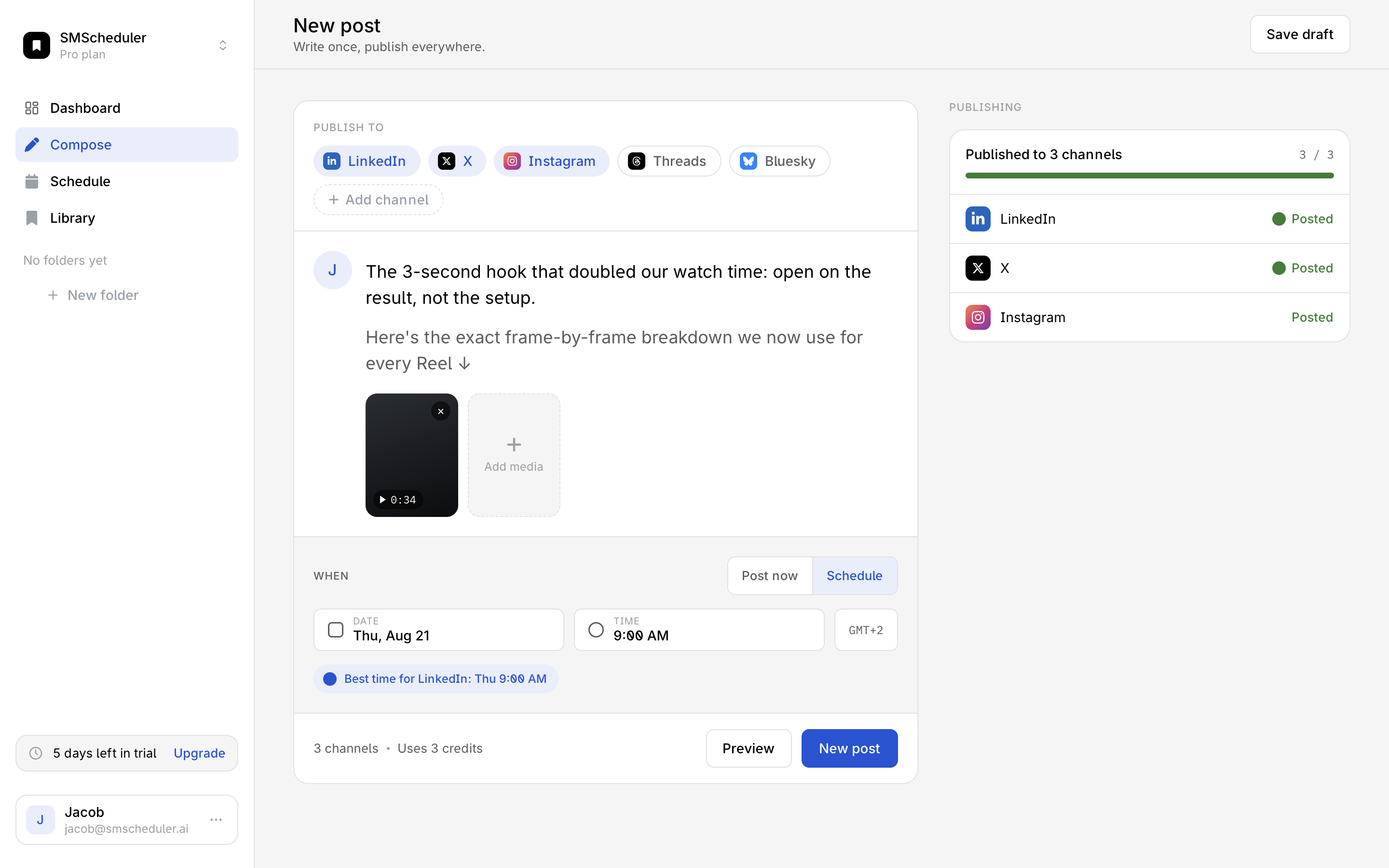
Generate a X post with AI or write your own, then add media and tailor the copy.
MTWTF
2Plan your week
Drop posts onto one visual calendar and pick the best time to post on X.
Views
12.4k↑ 12%
3Publish & measure
X posts publish automatically at the scheduled time. Track reach and engagement as results come in.
Start a 7-day trial for $0
Every network

One calendar, every network

Draft once, tailor the post per platform, and schedule from a single calendar. Here's exactly what you can publish to each network.

PlatformPhotoVideoCarouselReels / ShortsFirst commentAnalytics
Threads
LinkedIn
Instagram
X
TikTok
Bluesky
Facebook
YouTube
Available now Not supported yet
Loved by creators & teams

The calendar behind thousands of posts a week

Solo creators and social teams run their whole publishing rhythm on SMS.

4.9/5 on G2
12,000+creators & teams
2.4Mposts published
Jacob J.

SMS turned our scattered posting into one calendar. We plan a month in an afternoon and finally know what's actually working.

Jacob J.Founder at Rezi

Frequently asked questions

Can you schedule posts on X?Yes. Schedule X posts in advance and SMScheduler publishes them automatically at the time you choose, so you get a full calendar instead of posting live.
How do I schedule X posts?Connect your X account, write your post in the composer (or draft it with AI), pick a time or use the best-time recommendation, and SMScheduler auto-publishes on schedule.
Can I schedule X threads?Yes. Build a thread, preview it, and schedule the whole sequence to publish in order automatically.
What's the best time to post on X?It varies by audience. SMScheduler suggests optimal times from your own analytics so your X posts land when your followers are most active.
Is there a free X scheduler?Every plan starts with a 7-day free trial, no credit card required, so you can schedule X posts before you pay.
Can I cancel anytime?Yes. Upgrade, downgrade, or cancel whenever you like; changes take effect at the end of your billing period.

