Content Calendar for Instagram: Plan Posts in Minutes
Oct 1, 2026 · 12 min read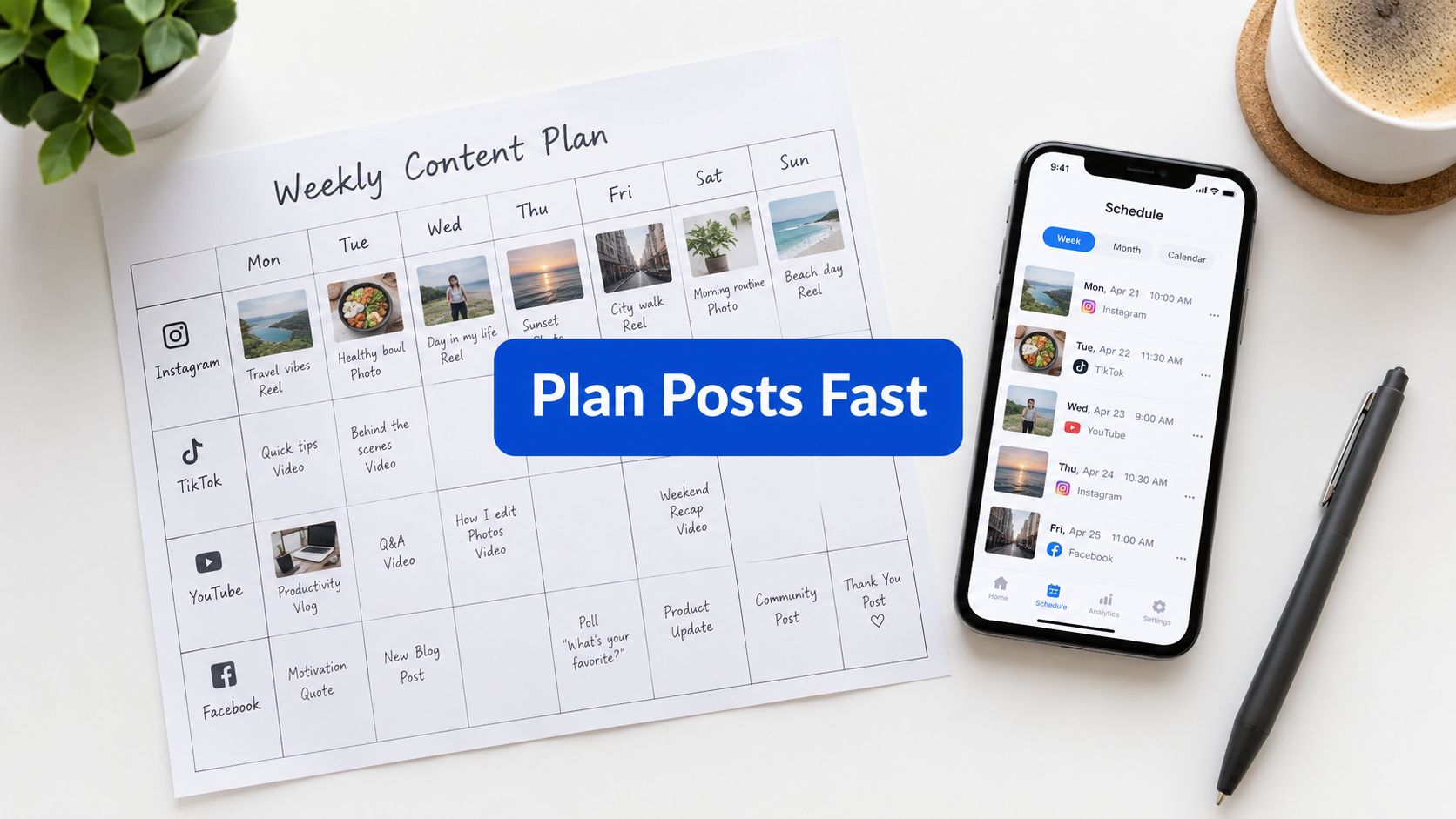
A practical baseline for a content calendar for Instagram is 3–5 in-feed posts per week, paired with audience-specific timing and a weekly testing rhythm instead of a rigid daily quota. The calendar should give you structure without forcing you to publish when you have nothing useful to say.
Most creators know the scene. Monday starts with a strong idea, Tuesday gets swallowed by client work, and by Thursday someone is searching through old camera-roll clips for something publishable. The account may still post, but the rhythm becomes uneven, formats repeat, and good ideas arrive too late to use well.
A workable calendar fixes that without turning Instagram into a production line. It creates a dependable publishing rhythm, keeps the mix of Reels, carousels, and Stories visible, and leaves enough room to respond to something timely. The useful question isn't, “What should I post today?” It's, “What does this week need, and what can the audience teach me about the next one?”
Why a Content Calendar for Instagram Stops the Reactive Grind
A small social team often begins the week with more ideas than time. Someone suggests a behind-the-scenes Reel, a product carousel, and a customer question for Stories. Then approvals slow down, an asset needs another edit, and the person writing captions gets pulled into another project. By Friday, the calendar exists mostly in a chat thread, and the team publishes whatever is closest to finished.
That workflow creates two problems. First, creative decisions happen under deadline pressure. Second, the team can't easily tell whether a weak result came from the topic, the format, the timing, or the rushed execution. Reactive posting doesn't always look chaotic from the outside, but it makes learning difficult because every post is built under different conditions.
Structure should protect creativity
A calendar isn't a prison for ideas. It's a decision filter. It tells you which posts are already planned, which content pillars need attention, and where an unexpected idea can fit without displacing everything else.
A useful weekly view should show:
- The publishing purpose: Whether the post educates, demonstrates, builds trust, starts a conversation, or supports a commercial objective.
- The format: Reels, carousels, feed images, and Stories shouldn't disappear into one generic “post” label.
- The production status: A concept, draft, approved asset, scheduled post, and published item need different labels.
- The required action: Note whether the audience should save, share, comment, visit a profile, or just watch.
That visibility reduces the number of decisions made on publication day. It also makes collaboration easier because the editor, designer, account manager, and client can see what needs attention without reconstructing the plan from messages.
Practical rule: Plan the repeatable parts of the week, not every possible reaction to the week.
Consistency still matters, but consistency doesn't mean publishing identical content at identical intervals. A strong calendar gives the audience a reliable presence while allowing the team to change the angle, format, and response when circumstances shift. The result is predictability without monotony, and discipline without creative burnout.
What the Data Says About Posting Frequency and Timing
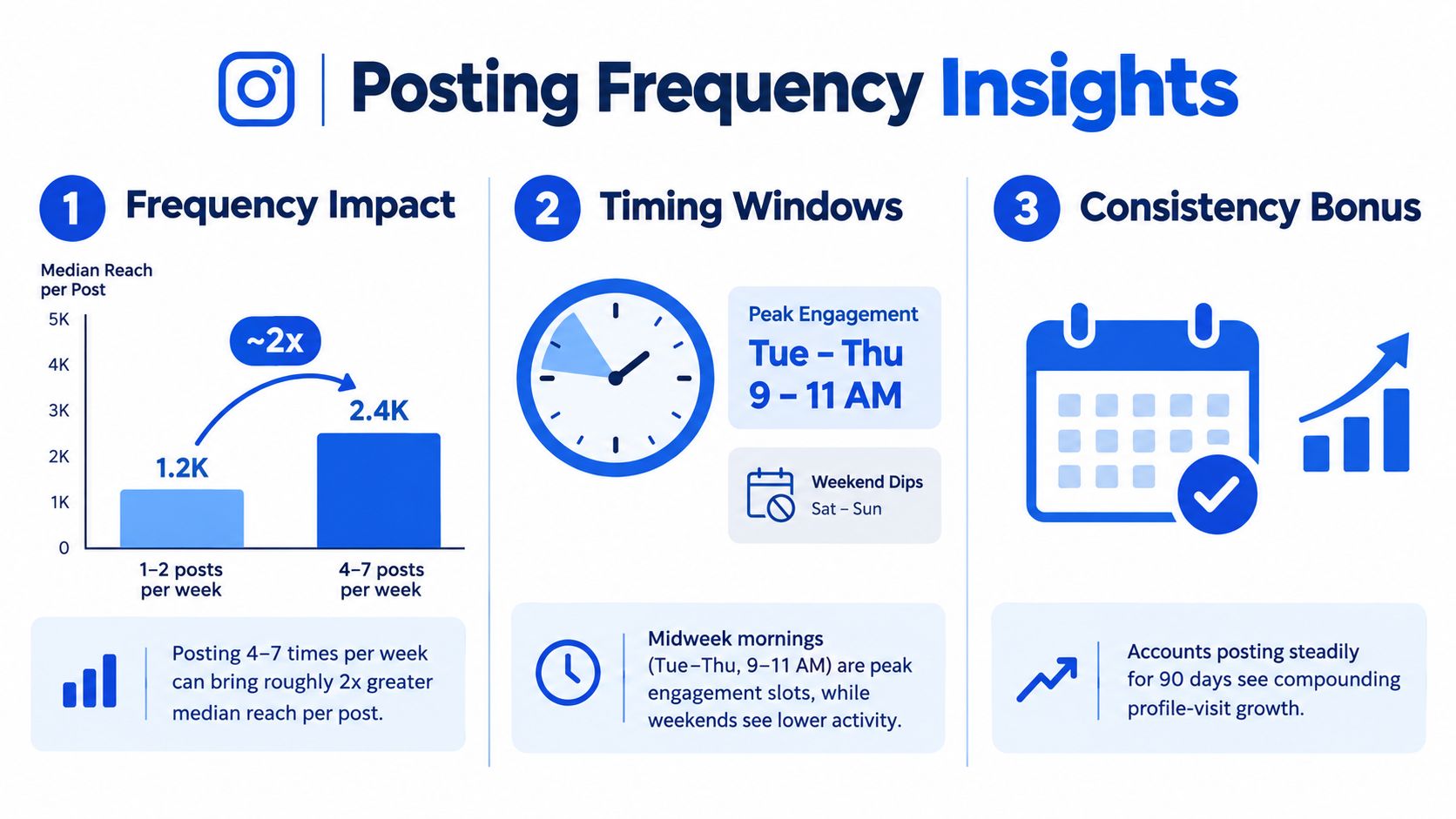
The strongest starting point is neither “post every day” nor “post whenever inspiration arrives.” Buffer's analysis of 9.6 million Instagram posts found that publishing 3–5 times per week was associated with about 12% more reach per post than publishing only 1–2 times weekly. The same analysis associated 6–9 weekly posts with roughly 18% more reach per post, and 10 or more weekly posts with about 24% more reach per post, although higher volume demands more production capacity and doesn't automatically make it sustainable. Buffer's posting-frequency analysis provides the useful baseline, but it shouldn't be treated as a universal quota.
Timing complicates the picture. The same analysis identified Thursday at 9 a.m., Wednesday at 12 p.m., and Wednesday at 6 p.m. as high-performing Instagram windows, while another Buffer report found 6–9 p.m. on weekdays to be a strong engagement period, with Thursday at 9 a.m. standing out as a peak slot. That report analyzed more than 52 million posts, and it found median Instagram engagement declined from about 7.3% in 2024 to about 5.4% in 2025, a 26% drop, so a calendar needs to support ongoing testing rather than rely on old assumptions. Buffer's 2026 engagement report offers that broader context.
Why one best time is the wrong target
Large datasets can identify broad patterns, but they don't remove account-level differences. Audience location, working habits, content format, and follower behavior all influence whether a morning, lunchtime, or evening slot makes sense. A global brand may need separate schedules for local audiences, while a creator with one concentrated audience may learn quickly from account-level Insights.
The practical interpretation is straightforward:
| Variable | What the calendar should do |
|---|---|
| Frequency | Start with a cadence your team can produce consistently |
| Timing | Test several relevant dayparts instead of copying one universal slot |
| Format | Separate Reels, carousels, feed posts, and Stories |
| Evaluation | Compare reach per post and engagement by format and slot |
The calendar therefore links volume and timing. Publishing more often can create more opportunities, but only if the content remains varied and useful. A high-volume schedule filled with near-duplicates may create more noise than learning. A moderate schedule with clear format variation can give you cleaner evidence about what deserves another iteration.
Use public research to choose a starting hypothesis, then use your own account data to decide what stays. The calendar is where that decision becomes operational.
Building a Weekly Testing Loop Instead of a Fixed Posting Routine
Treat one week as a testing container, not a permanent answer. The aim isn't to discover a magical posting hour immediately. It's to create enough structure that you can compare similar decisions and make the next week slightly better.
Start with a controlled mix
Choose the formats that match your available production resources. For example, a week might include a teaching carousel, a demonstration Reel, and a customer-focused feed post, with Stories used for context, reminders, questions, or responses. The exact mix should reflect the account, but the key is to avoid changing every variable at once.
Assign each planned item four fields:
- Format: Reel, carousel, feed post, or Story sequence.
- Content angle: Education, proof, behind the scenes, product use, or conversation.
- Daypart: Morning, midday, afternoon, or evening.
- Success signal: Reach, saves, shares, profile actions, replies, or another account-level measure that fits the post's purpose.
Then place those items into a weekly view. Put related formats in different slots where possible, so a weak result doesn't automatically point to timing when the actual issue may be the creative.
Run the loop
A reliable workflow has four moves:
- Draft: Prepare the central idea, caption direction, visual, and intended action.
- Schedule: Place each format into a selected daypart, using the account's audience data and a clear hypothesis.
- Observe: Record reach per post and the relevant engagement signals after publication.
- Refine: Keep, move, rewrite, or remove elements based on patterns rather than one surprising result.
This weekly content system is useful as a reference for turning that loop into a repeatable operating habit.
Don't compare a polished educational carousel with a spontaneous Story as if they had the same job.
The common failure is overposting without variation. If every item is a promotional Reel published in a similar slot, you won't know whether the audience rejected the topic, the opening, the format, or the timing. A testing loop works when each week contains enough contrast to produce a useful question, but not so much chaos that no comparison is possible.
Keep a short decision note after each cycle. “Evening slots generated stronger reach for demonstration Reels” is more useful than “Instagram did well.” Over time, those notes become a working set of account-specific scheduling rules, not a collection of generic recommendations.
Designing Post Types, Reuse Workflows, and a Unified Calendar View
A strong calendar doesn't treat every content item as a blank page. It starts with a useful idea, then adapts that idea to the behavior of each format.
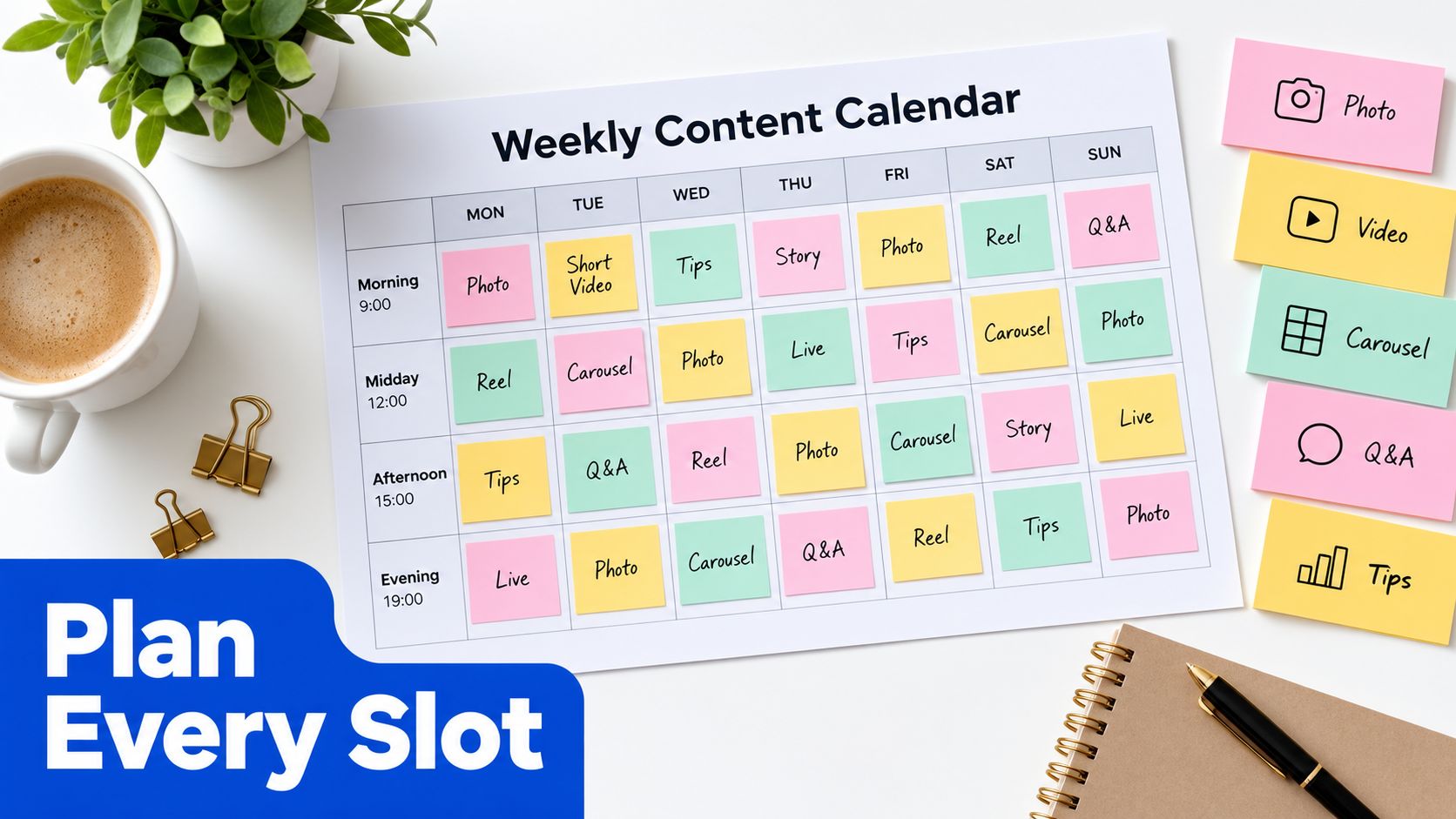
Suppose the core idea is a practical explanation of how to solve a customer problem. The carousel can break the explanation into a sequence of clear steps. The Reel can show the problem and the solution in motion, with a concise opening. The Stories can ask a related question, share a detail that didn't fit the main post, and direct interested viewers toward the next action.
The subject stays consistent, but the experience changes. That distinction matters because copying the same caption and asset into every format usually produces content that feels misplaced.
Build from a source idea
A practical reuse workflow can look like this:
- Source: Write one clear proposition and collect the supporting example, visual, or customer question.
- Expand: Turn the proposition into a carousel outline or a longer caption.
- Demonstrate: Convert the same idea into a Reel with movement, voiceover, or a visual sequence.
- Extend: Use Stories to invite replies, answer objections, or point back to the main post.
- Archive: Store the final copy, media, links, and performance note with the original idea.
This approach reduces duplicated thinking without reducing platform-specific tailoring. It also makes approval easier because stakeholders can review one campaign idea with several connected executions instead of reviewing disconnected posts.
Make status visible
A single calendar surface should show more than publication dates. Use statuses such as draft, needs review, approved, queued, and published. Add an owner when several people touch the work, and include a short note for missing assets or approval questions.
A visual scheduler such as an Instagram scheduling calendar can make those dates, formats, and statuses easier to inspect than a collection of separate documents. A spreadsheet can still work for a solo creator, but it becomes harder to maintain when the team needs previews, feedback, publishing controls, and performance context in the same workflow.
The calendar should answer three questions at a glance:
- What is going live, and in which format?
- What still blocks publication?
- Which idea or format should the team learn from afterward?
When those answers live together, planning and measurement stop being separate chores. The team can reuse a good idea, tailor it properly, schedule it at an intentional time, and attach the result to the next planning decision.
Why the Best Calendars Leave Room Instead of Filling Every Slot
A full calendar can look productive while lowering the quality of the work. Teams often fill every available space because an empty cell feels like a missed opportunity, but forced posts create unnecessary editing, weaker hooks, and content that exists only to satisfy a quota.
Leaving one or two empty slots each week is a deliberate planning choice recommended in recent scheduling guidance, not a sign that the system has failed. Hootsuite's social media posting schedule frames whitespace as a way to preserve flexibility while maintaining a consistent rhythm.
Those open slots have practical value:
- Trend response: A relevant conversation or timely customer question can earn a place without displacing a high-priority post.
- Quality control: A weak draft can be held back instead of rushed through approval.
- Creative recovery: The person producing the content gets room to think rather than constantly filling the queue.
- Format balance: If the week already contains several similar assets, the gap prevents saturation.
Whitespace also protects the testing process. A calendar packed with posts makes it tempting to judge success by output volume. A calendar with breathing room keeps attention on whether each item had a clear role and produced useful evidence.
An empty slot is useful when it protects a better decision.
The right balance depends on the account's resources and audience, but the principle is stable. Consistency means showing up reliably with worthwhile content, not publishing low-value material only because the calendar has space.
Weekly Execution Flow and a Ready-to-Use Calendar Template
Run the calendar as a short weekly operating cycle:
- Review: Check reach, engagement, format results, audience responses, and unfinished ideas.
- Draft: Prepare captions, hooks, visuals, and calls to action in a focused batch.
- Tailor: Adapt the idea for the selected format, audience context, and publication slot.
- Schedule and approve: Queue finished items, confirm owners and assets, and leave intentional whitespace.
Use a compact template with these fields:
| Field | Example use |
|---|---|
| Day and time | Planned local publication slot |
| Format | Reel, carousel, feed post, or Story sequence |
| Pillar and angle | Education, proof, conversation, or promotion |
| Asset and caption status | Draft, review, approved, or queued |
| Audience action | Save, reply, share, visit, or watch |
| Result note | Reach, engagement, and the next adjustment |
For a longer campaign, this guide to planning a month of content can help you extend the weekly system without turning every future post into a fixed commitment.
The calendar becomes more valuable each time you record what happened and apply it to the next cycle. Build the next week from evidence, preserve room for timely ideas, and let the account's own audience gradually replace generic timing advice. That is how a content calendar for Instagram becomes an operating system rather than a list of dates.
Social Media Scheduler brings drafting, platform-specific tailoring, scheduling, publishing, and performance measurement into one calendar, so you can manage Instagram alongside other channels without rebuilding each idea manually. Use Social Media Scheduler to turn the weekly testing loop into a repeatable workflow, then start your next calendar with three to five planned feed posts and room for what the week brings.