Scheduling Instagram Stories: A Complete Guide
Sep 27, 2026 · 11 min read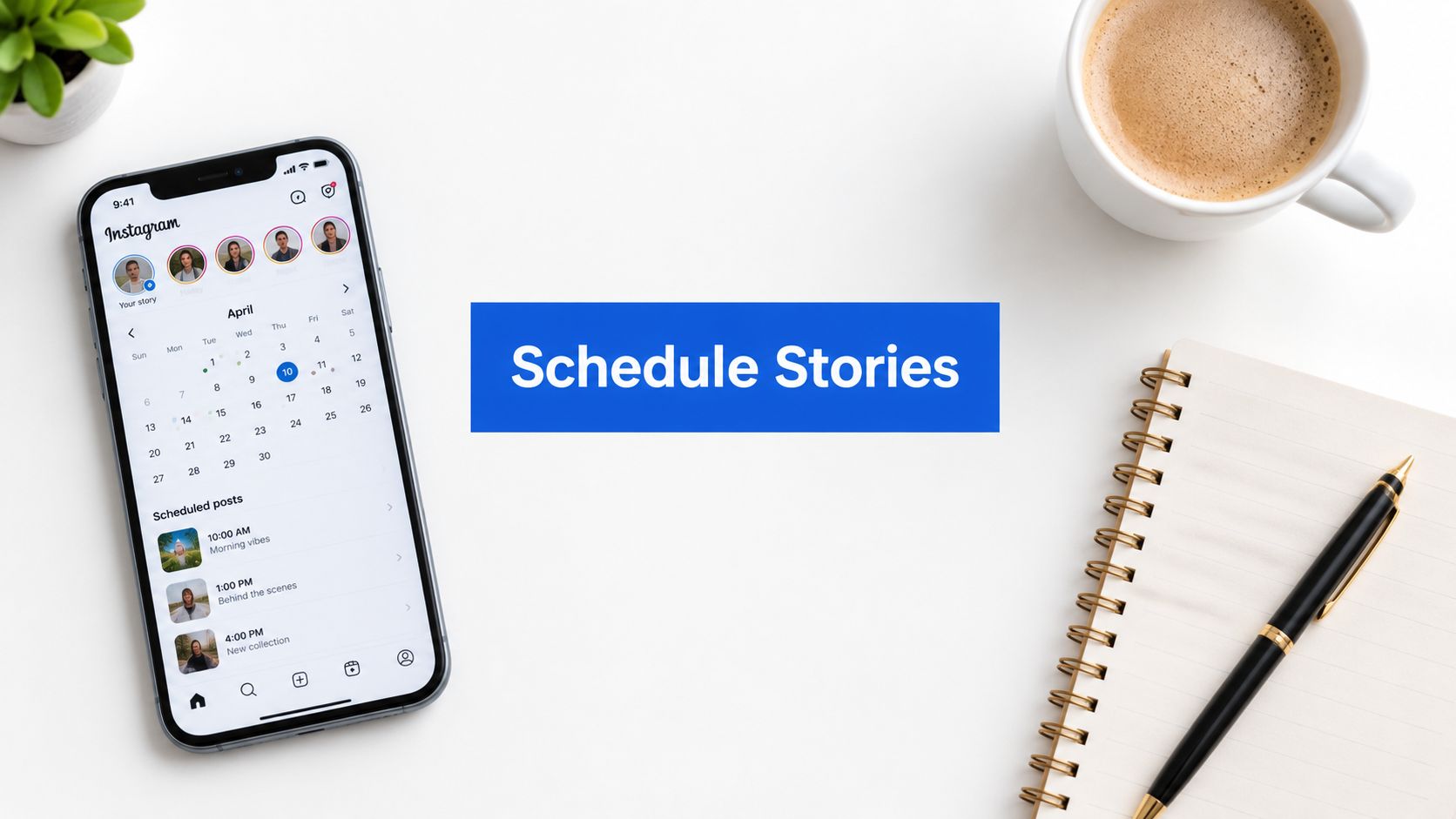
If you've ever tried to keep Instagram Stories alive while also running client calls, approvals, and actual work, you already know the problem. The hard part isn't making one good Story, it's keeping a steady Story cadence without losing polls, links, or the rhythm that makes the format work in the first place.
Scheduling Instagram Stories works best when you treat them like a production system, not a one-off post. That means planning the sequence, choosing the right publishing route, and checking what the tool will preserve before you build the calendar around it.
Why Instagram Stories Require a Different Planning Mindset
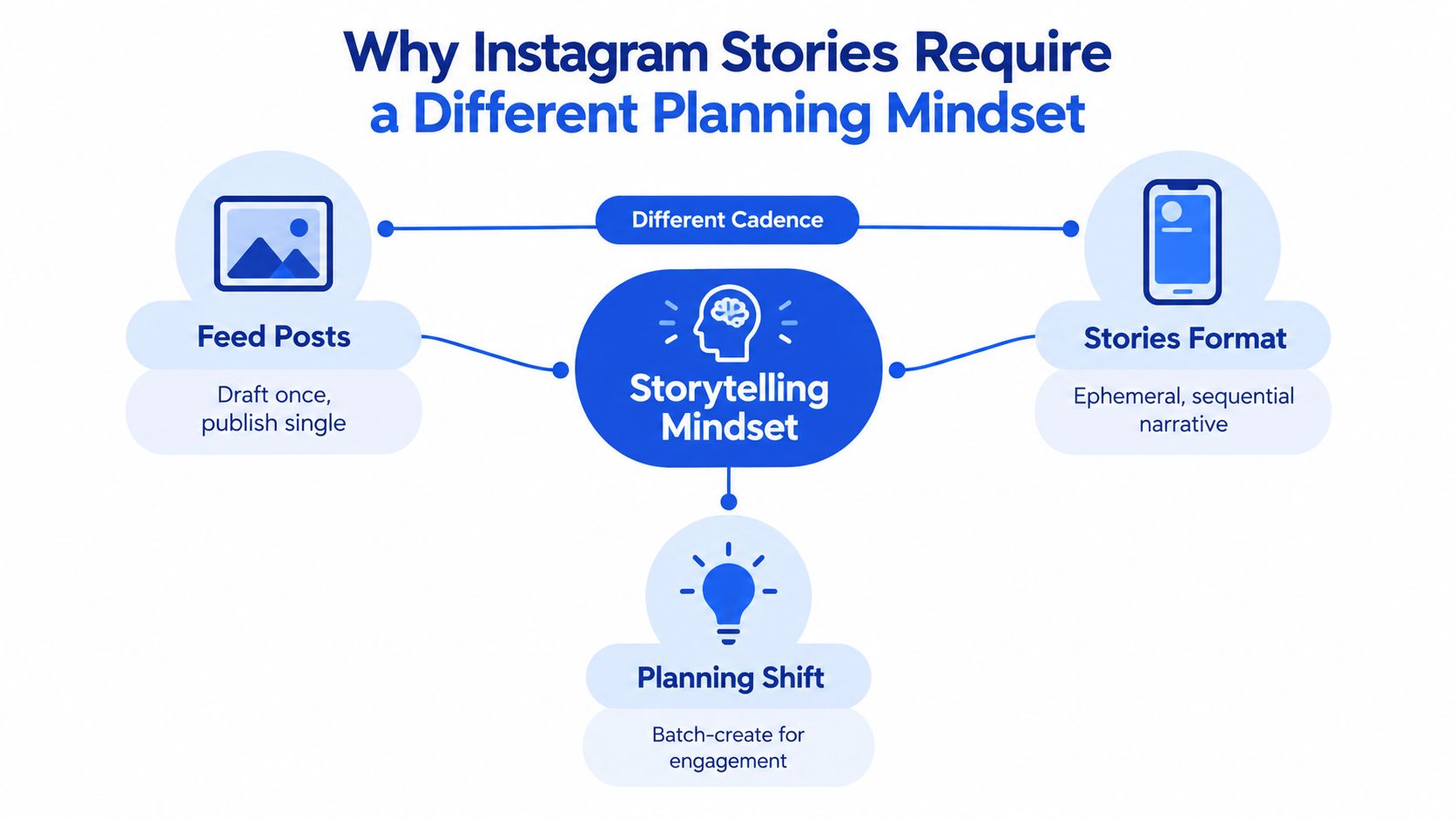
Most teams still treat Stories like feed posts. They create one asset, choose a time, and hope it lands. That approach misses how the format works, because Stories are built for frequent, short-lived exposure and a repeating presence in the app rather than a single polished drop. A practical guide on Story analytics from Captapi helps if you want to connect scheduling with the metrics you should be watching later, because the format only makes sense when you look at it as a chain of moments, not a standalone asset. Instagram Story analytics guide
Think in cadence, not in campaigns
A feed post can carry a single idea well. A Story calendar has to carry attention across the day and across the week. That's why scheduling instagram stories is closer to running a publishing cadence than launching a campaign asset.
The best production rhythm I've seen is simple, repeatable, and boring in the right way. Build a few recurring Story slots, reserve room for spontaneous content, and stop trying to make every frame do too much.
Practical rule: if a Story only makes sense once a week, it probably belongs in the feed, not in your Story queue.
What changes when the format is sequential
Stories are watched in order, skipped quickly, and forgotten quickly if they don't create a reason to keep tapping. That changes the planning job. Instead of asking, “What's the best single Story?”, ask, “What's the smallest sequence that keeps someone moving?”
A smart Story calendar usually includes a mix of updates, reminders, and light interaction prompts. The goal isn't perfection, it's consistency that feels alive. If you plan it that way, scheduling becomes a support system rather than a constraint.
Comparing Native and Third-Party Scheduling Options
There are really two paths for scheduling Instagram Stories. The native path is Meta Business Suite, and the other path is a third-party scheduler or workaround. They both let you plan ahead, but they don't behave the same once you care about interactive elements, workflow speed, and how much manual cleanup you're willing to do.
Meta's own guidance, as summarized in independent 2025 to 2026 guides, supports publishing Stories automatically from Meta Business Suite for business accounts, with a workflow that involves choosing the Instagram account, selecting Story as the content type, and setting a date and time before publishing. Some guides also note that this is limited to business or creator accounts, while personal accounts may only get reminder-style workflows. A recent guide also says scheduling can be set up to 75 days in advance SocialPilot's scheduling overview, which is useful when your team plans around launches, travel, or long campaign windows.
Third-party tools can be better for planning and batch workflow, but the trade-off is technical. Independent guidance notes that notification-based scheduling tends to preserve native Story elements, while fully automated publishing can strip out things like polls, link stickers, and music if the tool publishes without a human finishing the post. That's the key operational distinction. If the Story's job is to drive taps, replies, or link behavior, you need to know whether the scheduler is publishing a live Story or flattening it into a basic asset. The Ordinal's technical breakdown is worth a read if you're deciding between convenience and feature preservation.
Choose based on what the Story needs to do
Use native scheduling when the Story is mostly informational, promotional, or repetitive. Use a tool with notification-based handoff when you need interactive features and can afford a human step at publish time. Use direct automation only when the asset doesn't depend on stickers or native interaction hooks.
A scheduled Story that loses its interactive layer often performs like a weaker version of the original idea. The format still exists, but the engagement path is thinner.
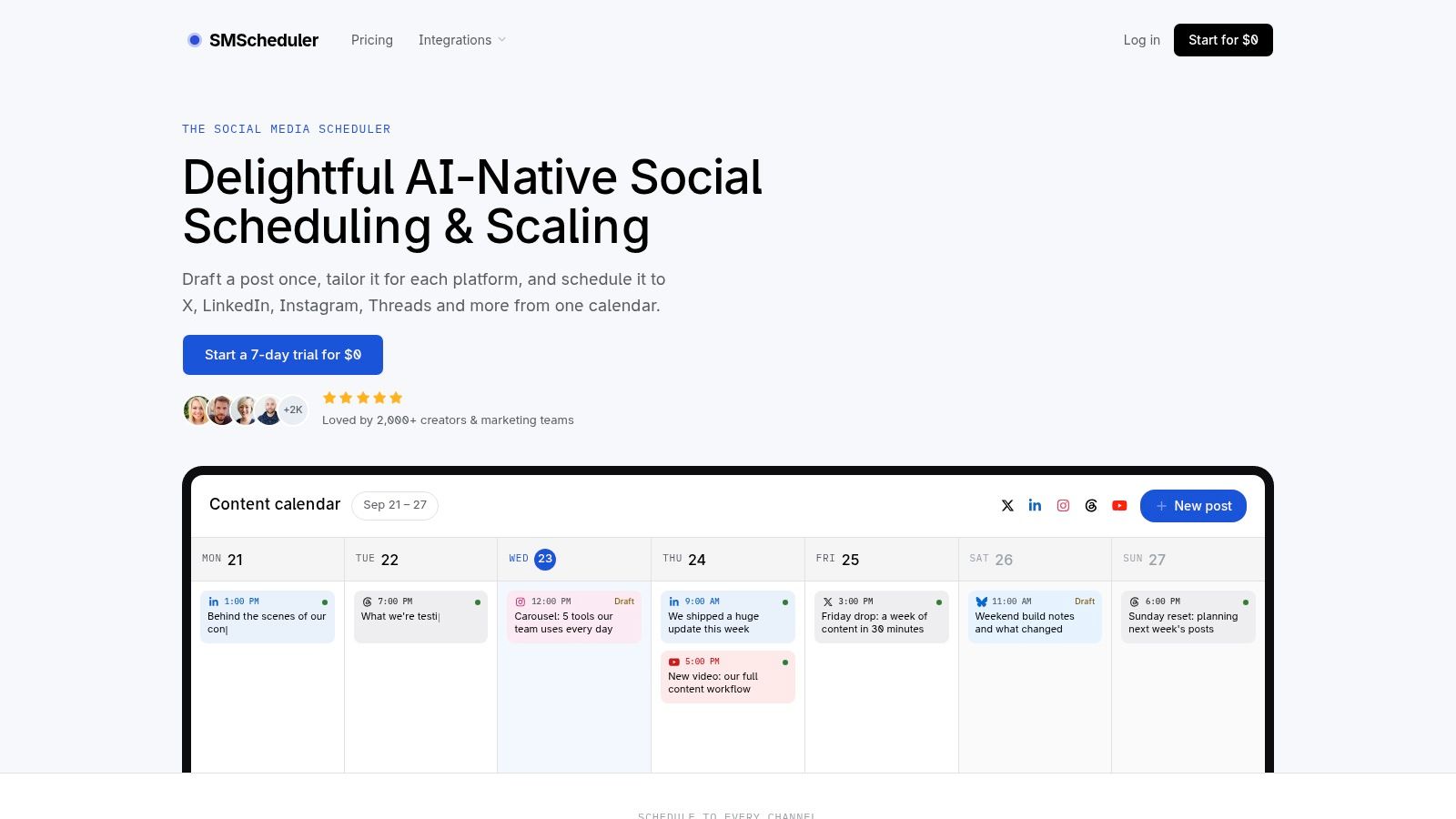
If you want a broader scheduling stack that handles other content types too, a unified planner like Social Media Scheduler can sit alongside your Story workflow. The important part is not the brand name, it's whether the platform lets you see the technical limits before you lock the calendar.
Setting Up Your First Scheduled Story Sequence
The easiest way to start is with a clean, narrow workflow. Open Meta Business Suite on desktop, connect the right Instagram account, choose Story as the content type, and set the publish time before confirming. That sounds simple, and it is, but only if you keep the asset format and account type aligned from the start.
Start with the account and asset checks
Before you touch the calendar, confirm you're scheduling from a business or creator account. If you're on a personal account, the workflow won't behave the way most guides describe. Also check that the file is built for vertical viewing, because Story scheduling is unforgiving about mismatched format and size.
A good first sequence is just two or three Story slides. That's enough to prove the workflow, test the time slot, and verify whether your setup preserves the elements you care about.
Build the schedule around one fixed slot first
Don't start with a complex weekly plan. Pick one time, schedule one Story, and make sure it publishes cleanly. Once that's stable, add a second slot on another day and watch how the queue behaves.
The practical benefit of scheduling is consistency, not drama. You're reducing the daily pressure of opening the app and posting in the moment, which helps teams that manage multiple accounts or work across time zones.
The video walkthrough below is useful if you want to see the interface logic before you build your own process.
If you're mapping out a bigger calendar, a planning system like this monthly content workflow can help you keep Story slots, feed posts, and launch dates from colliding. The point is to make scheduling routine enough that you don't have to rethink the process every day.
A useful companion read for improving execution is boost engagement with scheduled Stories, especially if your team needs to separate what gets planned from what still needs a live touch.
Understanding Timing Data and Posting Frequency
Timing matters, but not in the lazy “post at 8 p.m. and win” way people like to repeat. Stories are a cadence format, so frequency and timing work together. Buffer's 2026 guide, based on data from 9.6 million Instagram posts, says the best time to post Instagram Stories is daily and ideally one to two times per day. Later's 2025 reference adds that mid-sized accounts, defined as 100K to 500K followers, average 15 Instagram Stories per week Later's scheduling guide. That's enough to show that sustained output is normal, not excessive.
Use frequency as the starting point
If your posting rhythm is too sparse, you don't create enough observations to learn from. If it's too erratic, your audience never builds an expectation. The operational answer is to choose a repeatable baseline and then test the windows around it.
Practical rule: schedule enough Stories to create a pattern, then compare results before you decide the pattern is wrong.
A second large-scale benchmark from Buffer's timing analysis of 1.1 million Stories shared by 1.7K brands found that reach clustered most strongly on weekends, with Sunday at 2 a.m. and 3 a.m. and Saturday at 5 a.m. producing the highest reach of the week Buffer's timing analysis. That doesn't mean everyone should publish at those hours. It means your schedule should be tested against your own audience instead of borrowed blindly from generic advice.
Build a testing loop, not a guess
A useful workflow is to create a recurring daily slot and a separate weekend test slot, then compare reach by posting window and audience segment over a few weeks. Keep the setup simple enough that your team can maintain it consistently. Don't overfit to one data point, and don't reduce your posting volume so much that you stop learning.
A weekly system guide like this scheduling framework is helpful when you want the calendar to do more than hold reminders. It gives your Story cadence a place inside the wider publishing rhythm instead of treating it like an isolated channel.
Building a Unified Content Strategy Across Platforms
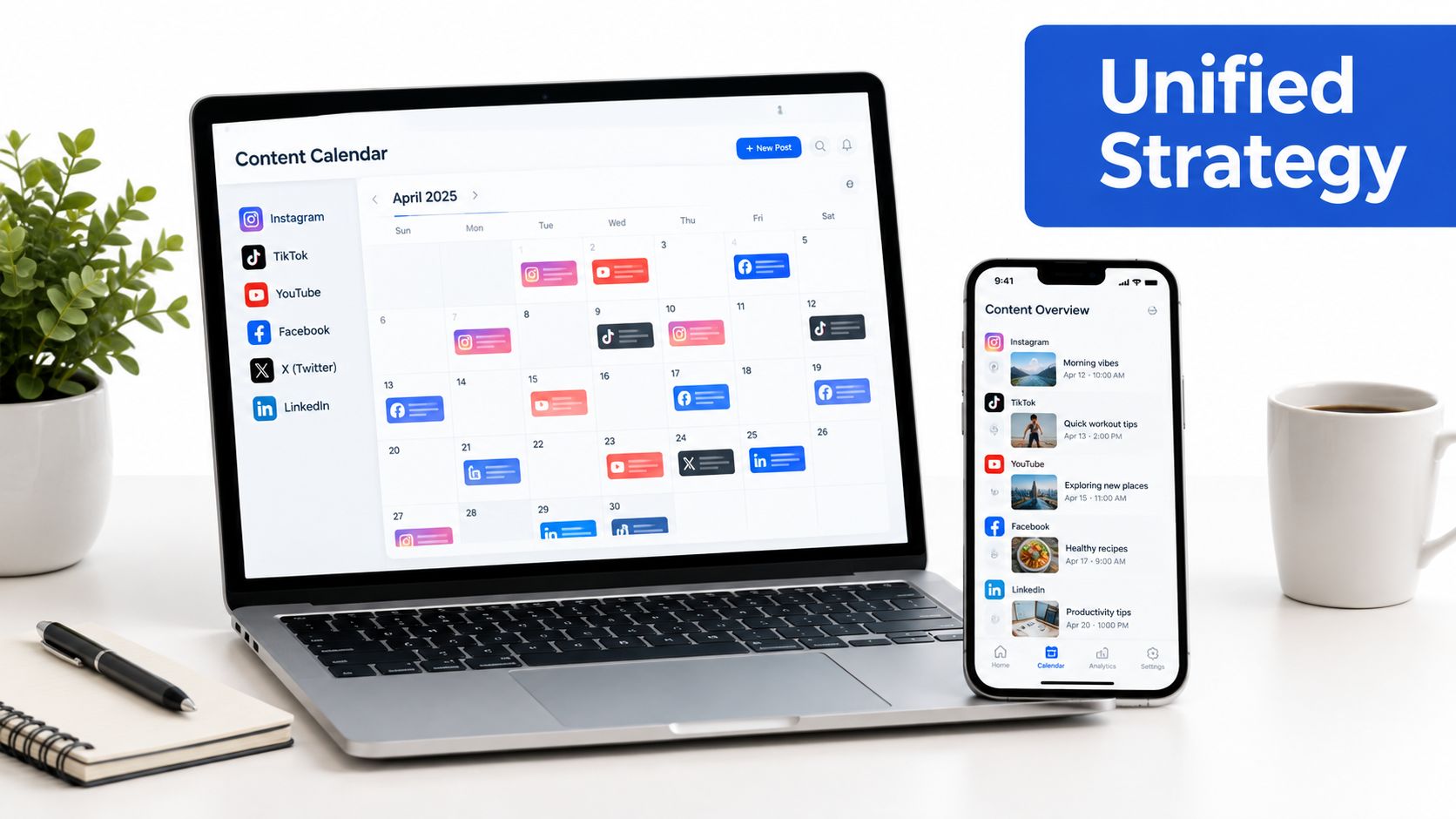
Stories work better when they sit inside a wider calendar. If you're already planning feed posts, Reels, and updates for other networks, splitting them into separate tools usually creates more chaos, not less. One calendar gives you a real view of your messaging, so the Story cadence supports the rest of the week instead of fighting it.
Use one planning surface for the whole funnel
The strongest calendar is the one that shows what gets drafted once, what gets adapted per platform, and what gets published on a specific day. That matters because Story content often comes from the same source material as a feed post or Reel, just trimmed into a faster, lighter format.
A unified workflow also reduces context switching. Teams can see whether the Story is amplifying a launch, feeding traffic to another asset, or filling a gap between higher-effort posts. That's a better use of planning time than opening multiple tabs to discover that two campaigns are talking over each other.
Keep the Stories role narrow
Stories do different work than Reels or feed posts. They're better for continuity, reminders, process updates, and in-the-moment signals. That means the calendar should give them a distinct job instead of trying to turn them into miniature feed posts.
I've found that the cleanest calendars separate hero content, supporting content, and daily presence. Stories usually live in the last bucket, but they still need to support the first two. That's where a shared planning view earns its keep.
Troubleshooting Common Scheduling Errors
Most scheduling problems aren't dramatic. They're small failures that compound because nobody checks the queue before launch day. The usual culprits are timezone mismatches, expired permissions, and publishing methods that changed under the hood.
Start with the account connection
If a scheduled Story fails, check the account link first. A scheduler can look healthy on the surface while the Instagram connection has expired, especially after a password change or permission update. Reconnecting the account is usually the fastest fix.
Then inspect the publish method. If you expected a fully automated Story but the tool uses notifications, the post won't go live unless someone finishes it manually. That's not a bug in every case, it's a workflow choice.
Check time, format, and queue status
Timezone mismatches are a common cause of “it didn't post” confusion. Make sure the calendar is reading the right local time before you hit confirm. Also confirm that the file is in the right vertical format, because a Story that looks fine in a design app can still fail when the scheduler tries to publish it.
Before a launch, open the queue and verify every scheduled Story once. That five-minute check is cheaper than fixing a missing asset after the audience has already moved on.
If the platform shows a Story as scheduled but it never appears, review the publishing log and reconnect the account before resubmitting. The goal is a predictable queue, not a mystery feed.
If you want one place to plan, tailor, and publish Instagram Stories without losing the rhythm that makes the format work, Social Media Scheduler handles drafting, scheduling, and cross-platform planning from a single calendar. Visit Social Media Scheduler and see how a unified workflow can keep your Story cadence consistent without making every post a manual task.