10 Short Instagram Captions to Save and Tailor
Oct 19, 2026 · 18 min read
Short Instagram captions aren't automatically effective just because they're brief. A caption earns its place when it prompts a deliberate response: a reaction, a reply, a save, a share, a click, or a profile visit. The right length depends on what the image or video already communicates and what you want the audience to do next.
The examples below treat short Instagram captions as response mechanisms, not interchangeable phrases. Each format has a job, from adding mood to inviting a specific comment. Match the wording to the visual, the audience, and the desired action, then judge it by the signal that matters: comments for conversation, saves for future use, shares for relevance, or clicks for traffic. A high interaction count alone won't tell you whether the caption did its job.
Use these formats as starting points, not scripts. Keep the core idea, then adapt the wording for your voice and platform context. An AI-assisted workflow such as Social Media Scheduler can help draft a first version, generate tone variations, and organize platform-specific copy alongside scheduled posts. Your own results should decide which variation to keep.
1. One-Word Caption
A one-word caption gives the image the lead and adds a small dose of personality. “Finally.” works beneath a travel photo when the view already explains the moment. “Glow.” can suit a skincare product close-up if the image clearly shows what the brand wants viewers to notice.
This format is strongest when the visual is distinctive enough to carry the context. A word like “Brunch.” may add a casual label to a polished food image, but it won't explain a new menu item or tell people how to find it. The trade-off is simple: a minimal caption looks uncluttered, but it leaves little room to answer questions or invite action.
Let the visual carry the context
Before posting, check whether someone unfamiliar with your account can understand the subject from the image. If not, add a descriptive phrase rather than asking a single word to do too much. This matters for clarity, accessibility, and posts that need to communicate product details.
Use it when: the image supplies the information and the caption only needs to set a mood.
A useful test is to compare a one-word version with a more descriptive version using the same kind of visual and the same post objective. Don't assume the shorter option will win. Research on caption length points in different directions depending on the content and context, so treat brevity as something to test, not a universal rule.
2. Emoji-Only Caption
A line of emojis can communicate a familiar mood or subject at a glance. A burger image might use 🍔🔥😋, while a workout clip might use 💪⏰🏋️. The audience has to infer the meaning, so this format works best when the visual makes the subject unmistakable.
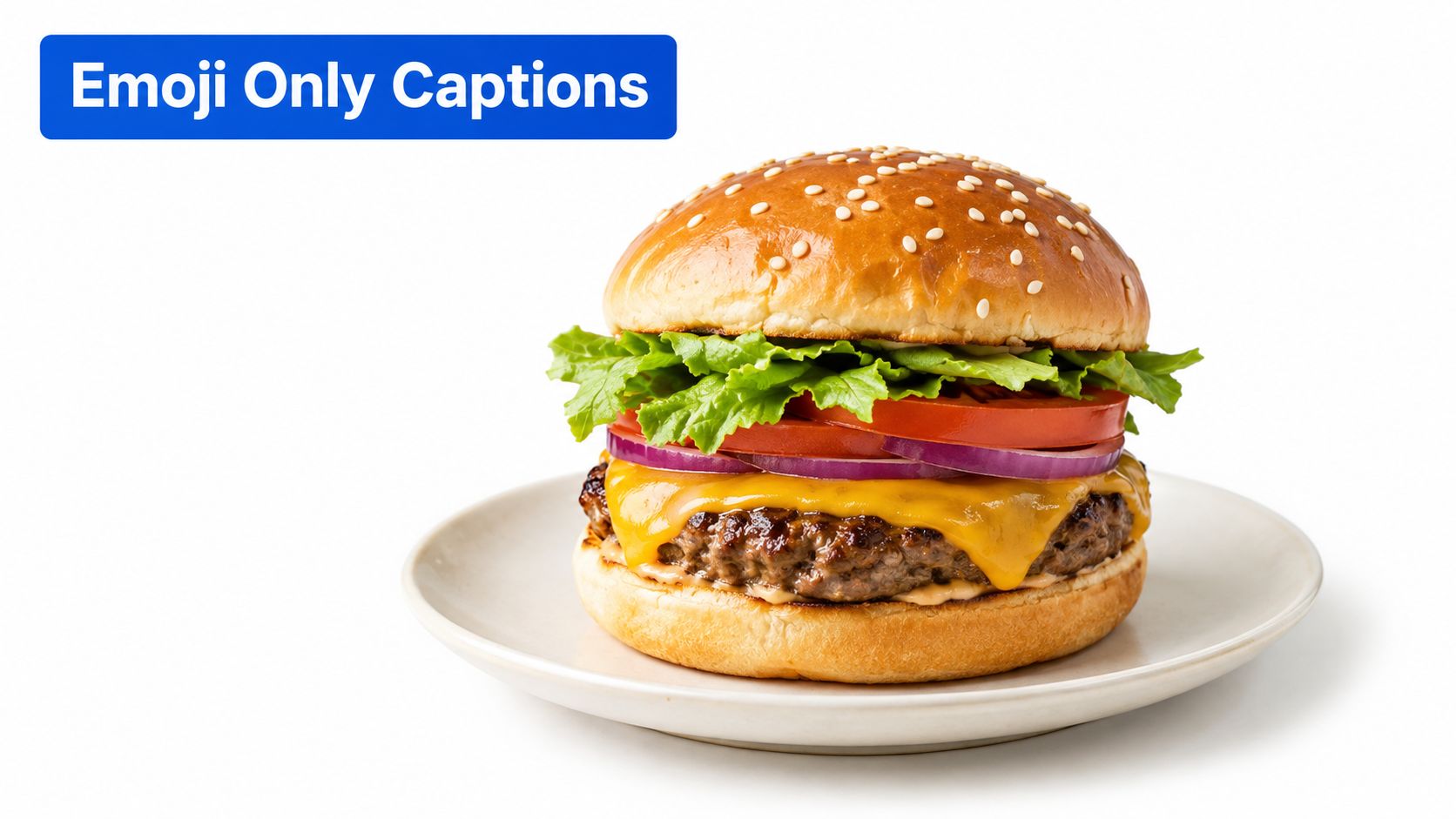
Emoji-only copy can feel playful and quick, but it can also be ambiguous. People using different devices may see emoji designs rendered differently, and an icon sequence may not communicate the same thing across cultures or languages. It also doesn't provide searchable descriptive language for a post that needs to be understood beyond the feed.
Keep the meaning legible
Use emojis to reinforce what the media already shows, not to replace important context. For an evergreen product post, add clear words that name the product or explain the offer. For an informal Reel or lighthearted reaction post, an emoji sequence may be enough if the image or video supplies the rest.
Practical rule: If viewers need to decode the emojis before they understand the post, add words.
Measure this style against its intended job. If the aim is a quick reaction, examine the quality of those responses rather than treating emoji use as a strategy in itself. For posts meant to drive discovery, product understanding, or a click, use plain-language caption text alongside the visual cues.
3. Question Hook Caption
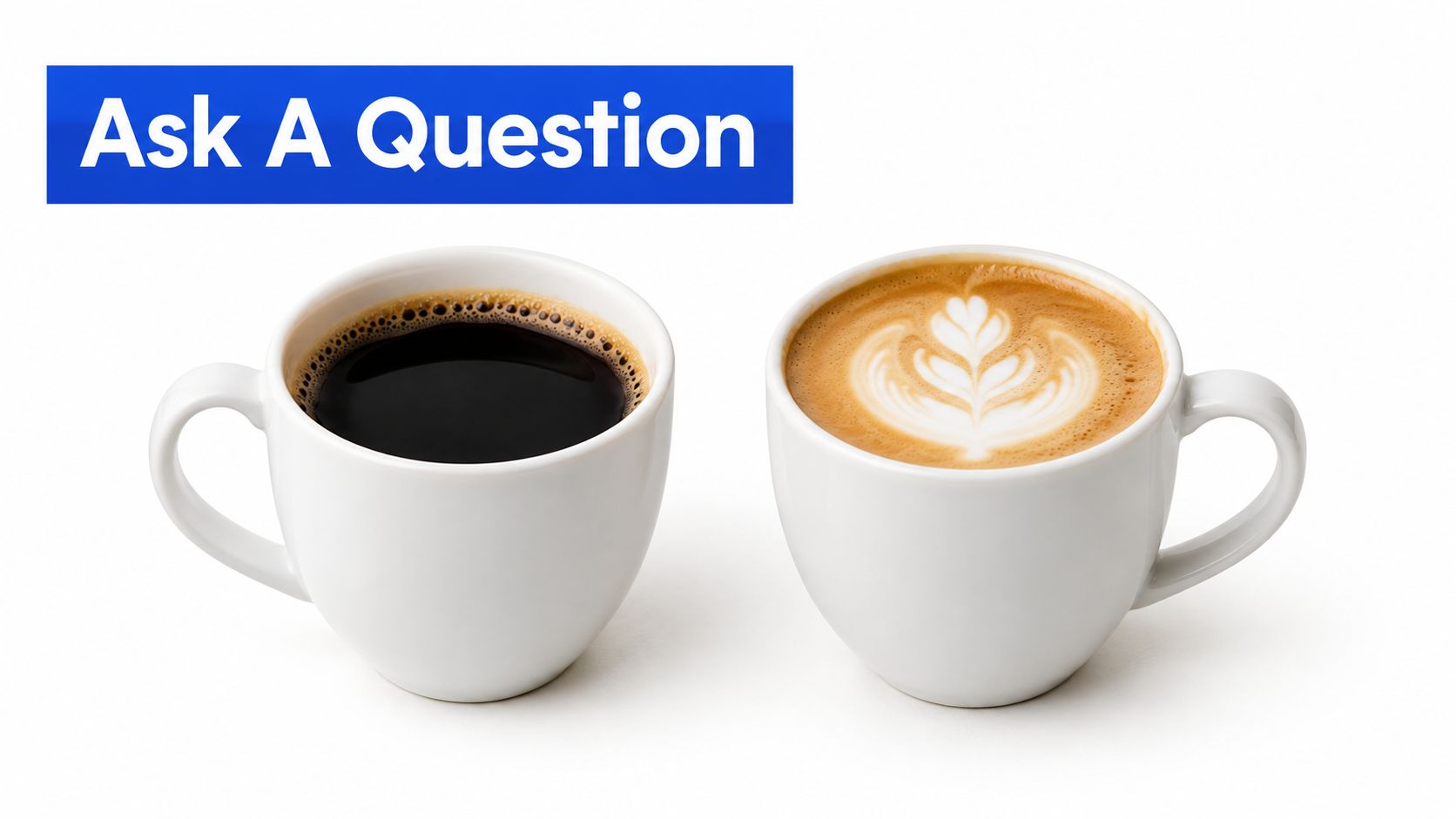
A question turns the caption into an invitation to respond. A coffee brand showing two roast options could ask, “Which one is your morning pick?” A creator sharing a before-and-after edit might ask, “Team A or Team B?” Both questions make the choice clear and give viewers an easy starting point.
The best prompts are answerable from the post itself. “Thoughts?” gives people little direction; asking which option they prefer gives them something specific to say. A useful success signal is the substance of the comments, not just the number. Are people explaining their choice, asking about a product, or raising topics that could inform future content?
Make the question easy to answer
Put the question near the start, especially if the rest of the caption adds context. Keep it relevant to the image, audience, or decision you're asking people to make. A coffee comparison should show the options clearly, while a business account asking for feedback should explain what kind of feedback would help.
Schedule the post for a time that fits your audience's activity patterns, then compare comment quality and volume across similar posts. A shared Instagram publishing calendar can help organize those tests and keep the caption attached to its scheduled creative. Respond to comments in a way that extends the exchange rather than closing it with a generic reaction.
Avoid implying that a question guarantees more distribution. It's a tool for inviting conversation, and the audience may still choose not to reply. If your real goal is a click or a save, use a caption that asks for that action instead.
4. Save-and-Share Caption
A direct prompt such as “Save this for dinner this week” gives viewers a reason to keep a post. “Send this to your social lead” makes the next step clear for a business audience. The request works best when the post has practical value that people may want to revisit or pass along.
A recipe carousel is a natural fit because its steps can be useful later. A checklist for packing, a reusable template, or a concise process guide can also justify a save. By contrast, asking people to save a post that contains little information makes the instruction feel detached from the content.

Tie the request to a benefit
“Save this” is clearer when the caption names what the audience will need later. “Save this packing list before your trip” connects the action to the resource. “Send this to a friend planning a weekend away” makes sharing relevant to a specific person and situation.
A content calendar can help you plan useful posts as a coherent series rather than isolated calls to action. For instance, a travel creator might publish a packing guide, then follow with destination tips that answer related questions. A monthly content planning approach can make those connections easier to map.
Judge the prompt by saves and shares, but also check whether the content earns them. If a post gets attention without being kept or forwarded, revisit the usefulness of the material before changing the wording. Rotate the phrasing so the audience sees a genuine reason to act, not the same instruction repeated on every post.
5. Comment-Keyword CTA Caption
A comment-keyword caption asks viewers to post a specific word to request a resource or take part in an offer. For example: “Comment TEMPLATE and I'll send our content calendar.” A marketing consultant can connect the public comment to a private follow-up, while a brand might use a clear prompt to explain how someone enters a promotion.
The keyword should be easy to spell and clearly related to what the viewer receives. If the resource is a guide, “GUIDE” is more intuitive than an unrelated or clever word. The promise also needs to be precise: tell people what happens after they comment and make sure you can deliver it.
Measure the whole response path
Comment volume alone won't show whether the prompt worked. Track the steps separately: comments received, follow-up messages sent, and people who access or use the resource. If comments rise but the follow-up is delayed or unclear, the caption may have created activity without a useful experience.
For a giveaway, review Instagram's current promotion policies and explain the entry terms plainly. Don't ask for a keyword unless you have a process for handling the response. Pair the post with a reminder in your publishing workflow so the promised follow-up doesn't get lost among scheduled content.
This format is a poor fit when the audience has to guess what they'll receive or when a comment is being requested only to inflate engagement. Make the benefit concrete, then evaluate whether the activity leads to the next action the campaign needs.
6. Link-in-Bio Caption
“New drop today. Link in bio 🔗” gives viewers a route from a product post to a profile destination. A podcaster can use “Full episode link in bio” beneath a clip, while a service provider might point people toward a booking page. The caption's job is to connect the content with a destination, not just announce that something exists.
Because the intended action is a visit, put the instruction where a viewer can spot it quickly. The profile link needs to be current and relevant to the post. If someone sees a product announcement but lands on an unrelated page, the caption's promise and the destination don't match.
Remove friction after the tap
Before publishing, confirm that the profile link opens the right page on mobile. If you're promoting multiple destinations, use a page that presents them clearly rather than sending viewers to a stale or confusing choice. A concise Instagram link-in-bio strategy can help you think through that handoff.
Measure profile or destination clicks alongside post engagement. A post can attract comments without sending anyone to the intended page, so those signals shouldn't be treated as interchangeable. When the goal is traffic, review the caption, the destination, and the click path together.
If the bio link changes regularly, make updating it part of the publishing process. A scheduled post doesn't update the profile destination for you. Check that the link is live before the post goes out and again when the campaign changes.
7. POV Caption
A “POV:” caption puts the viewer inside a recognizable scenario. “POV: your client finally approves the draft” can connect with social media managers, while “POV: the croissants just came out of the oven” suits a bakery video. Specificity makes the scenario feel earned; a generic setup could apply to almost any account.
This format often pairs naturally with short-form video because movement can reveal the situation as the caption introduces it. A candid photo can work too, provided the image supports the point of view rather than contradicting it. The caption should add an interpretation, not merely label what viewers can already see.
Use the scenario to earn a share
Relatability can encourage people to send a post to someone who recognizes the same experience. But a trend-shaped caption won't make an irrelevant scenario meaningful to your audience. Keep the situation close to your niche, then review which versions earn shares or saves before repeating the format.
A strong opening line can help a video establish its premise quickly. Use scroll-stopping hook ideas as a starting point, then rewrite the phrasing to sound like your audience and brand. Don't let a trend take over the content calendar; space these posts among material that serves other needs, such as product education or useful advice.
The key trade-off is familiarity versus originality. A familiar format helps viewers recognize the setup, while a specific detail makes the post feel personal. Keep the recognizable structure, but make the situation yours.
8. One-Line Story or Quote Caption
A single sentence can add a lesson or point of view to an image. A founder could post an office photo with “Small teams ship faster.” A coach might pair a training image with “Progress is quiet. Keep going.” The sentence gives the visual a frame without turning the caption into a long explanation.
This approach suits personal brands and thought leadership when the line reflects a real perspective. Generic motivational language can sound interchangeable, especially when it doesn't connect to the image or to the creator's work. A more specific observation gives the audience something to remember, discuss, or save.
Make the sentence belong to you
Write the line from experience, expertise, or a point you can explain if someone asks. If you use another person's words, verify the wording and credit the source accurately. Don't present a familiar saying as original because it fits the post.
A themed series can help audiences recognize a recurring idea, such as lessons from building a business or notes from a training routine. Keep the visual and wording consistent enough to feel related, but let each post make a distinct point. Review saves and shares by theme to see which subjects are useful beyond the moment of viewing.
One-line captions can also be too compressed for complicated advice. If the statement needs an important qualification, add context rather than letting a tidy sentence create a misleading impression.
9. Tag-a-Friend Caption
“Tag the friend who needs a double shot today” gives a coffee shop's audience a person to think of. “Tag your travel buddy for the next trip” fits a destination post when the image already makes the appeal clear. The prompt works by linking the post to a real relationship, not by asking people to tag at random.
A useful tag prompt describes a recognizable person or shared situation. That specificity makes the invitation feel more natural and helps the post reach people who may care about the subject. If the prompt could be pasted under any image, it's probably too broad.
Don't make tagging the whole strategy
Tagging is best as one format in a wider mix of useful, entertaining, and informative posts. If every caption asks for a tag, the account can feel as though it values reach more than the audience's experience. Compare tag-driven posts with value-driven ones and look at the quality of new interactions, not only the immediate activity.
Promotional tagging needs particular care. If you're running a giveaway, review current platform rules and state the entry conditions clearly. Keep the prompt tied to the post's content, and don't imply that tagging someone guarantees a prize or benefit unless the promotion terms support that claim.
For a coffee shop, a relatable “tag your coffee partner” prompt may fit a new seasonal drink. A post explaining the ingredients or serving options may be more useful for people deciding whether to visit. Choose the caption based on what the audience needs from that post.
10. A-or-B Choice Caption
“Chocolate or vanilla?” gives bakery followers a simple decision to make. A software company showing two dashboard layouts could ask, “Which view do you use first?” This format works when both options are visible and easy to distinguish, such as a side-by-side image or a carousel that clearly labels each choice.
The question makes responding easier than an open-ended request, but it can produce shallow answers if the choice has no relevance beyond the vote. Add a short reason to participate when it helps: a café can use customer preferences to shape a menu discussion, while a product team can ask which design is simpler to use.
Turn responses into a follow-up
The visual has to make the options legible without forcing viewers to search for labels. Keep the caption simple, and don't introduce extra choices that distract from the comparison. If people explain why they chose an option, those comments may be more useful than a bare vote.
You can continue the conversation in Stories or a later post by sharing what the audience preferred and what you'll do with that feedback. For a bakery, that might mean featuring the more-requested pastry. For a software team, it could mean explaining which interface details the team is considering.
An A-or-B question is a lightweight way to invite an opinion, not proof of broader demand. Treat responses as audience feedback, then compare them with other signals before making product or menu decisions.
10 Short Instagram Caption Styles Compared
| Caption Type | 🔄 Complexity & Resources | 📊 Expected Outcome | ⭐ Key Advantage | 💡 Ideal Use Case |
|---|---|---|---|---|
| One-Word Caption | ⚡ Very low effort; depends on a strong image | Mood and personality; limited keyword discovery | Minimal, authentic style | Aesthetic grids, personal brands, editorial visuals |
| Emoji-Only Caption | ⚡ Very low effort; preview across devices | Quick visual expression; little search value | Language-neutral and easy to scan | Playful brands, food content, multilingual audiences |
| Question Hook Caption | Low effort; requires comment monitoring | More comments and audience feedback | Invites direct conversation | Community building, product feedback, campaigns |
| Save-and-Share Caption | Low effort; needs genuinely useful content | More saves and shares; potentially longer post life | Prompts clear, high-intent actions | Tutorials, checklists, guides, evergreen content |
| Comment-Keyword CTA Caption | Moderate effort; needs reliable DM follow-up and policy checks | More comments and potential leads | Clear, measurable conversion path | Lead generation, launches, resource giveaways |
| Link-in-Bio Caption | Low effort; requires an updated profile link | Profile-link visits and referral traffic | Directs users to a destination | Product launches, content promotion, traffic campaigns |
| POV Caption | Low effort; needs a relevant scenario and visual | Relatability, shares, and community connection | Makes a moment feel immediate | Humor, niche content, behind-the-scenes storytelling |
| One-Line Story or Quote Caption | Low effort; requires an original or verified line | Clear message; may earn saves and shares | Builds a recognizable voice | Thought leadership, personal brands, motivational content |
| Tag-a-Friend Caption | Low effort; needs a specific, relatable prompt | Potential reach expansion through tags | Encourages social sharing | Community growth and lighthearted engagement |
| A-or-B Choice Caption | Low effort; needs clearly contrasting visuals | Quick responses and preference data | Makes participation easy | Audience polling, product testing, recurring engagement series |
Build a Caption System, Not Just a List
The most effective short Instagram captions are selected for a specific objective, adapted to the visual, and reviewed against real performance. Start by organizing your caption ideas by the response they invite: reaction, conversation, saves, shares, comments, or clicks. A one-word line can set a mood, while a link-in-bio prompt directs attention elsewhere. They may both be short, but they solve different problems.
Build each caption around the post itself. If the image already explains the subject, a compact line may be enough. If viewers need context, instructions, or a reason to trust a recommendation, add it. A large benchmark of business-account posts found a general association between shorter captions and higher engagement, but that result shouldn't become a fixed rule for every account or format. A separate analysis reported different engagement rates across caption-length ranges, reinforcing the case for testing context and length against the post's purpose rather than applying one universal target (Socialinsider's Instagram caption-length benchmark; PostPlanify's caption-length analysis).
The broader evidence also suggests that caption length can relate differently to engagement depending on the post's format and objective. A 2025 preregistered study described a non-linear relationship across posts and noted that the pattern varied by media and sponsorship context (the study of caption length and influencer engagement). In practice, test a short, visual-first caption against a compact explanatory version when the post needs context. Keep the creative and objective as consistent as you can so the comparison is useful.
Accessibility and clarity belong in the system too. A short public caption can't carry every piece of context for an image or video, so consider descriptive alt text, reviewed captions for spoken video, readable camel-case hashtags, and plain language. For international audiences, adapt idioms and slang rather than assuming a literal translation will make sense (accessibility guidance for social media content). The right caption is not necessarily the cleverest one. It's the one your audience can understand and act on.
Use AI-assisted rewriting to generate controlled variations in tone, length, or platform context without losing the original point. Then review the wording before publishing and compare outcomes that match the post's job: comments for conversation, saves for reference value, shares for relevance, and clicks for traffic. A workflow for content creation help for teams can support that repeatable process, but your audience's behavior should shape the final decisions.
Start with one format and one measurable outcome. Publish it consistently enough to compare like with like, then refine the language based on what people do, not on assumptions about what “short” should mean.
Social Media Scheduler lets you draft and tailor captions for Instagram and other supported networks, schedule them through a shared calendar, and review post performance. Try it with your next caption test by visiting Social Media Scheduler.