Content Calendar Excel Template: 10 Free Picks for 2026
Nov 4, 2026 · 16 min read
The most popular advice about content calendars is to plan further ahead. But a spreadsheet can map every post for the month and still leave you copying captions, finding final assets, and pressing Publish yourself. A complete calendar isn't the same as a working publishing process.
A content calendar Excel template is useful when your bottleneck is organization: scattered ideas, unclear owners, missing creative files, or competing deadlines. It won't, by itself, send posts to your social accounts. Even templates supplied by scheduling platforms remain separate from those platforms' publishing software.
The free options below suit different audiences. Solo creators need a manageable place to prepare content; agencies need account identification and client approvals; marketing teams need production deadlines and reporting. Rather than choosing the workbook with the most columns, choose the one that makes your next action obvious.
Start with the handoff: Can someone identify the approved copy, final asset, destination account, and intended publishing time without asking the author?
If maintaining a calendar already feels burdensome, these ADHD-friendly calendar planning tips offer a useful companion to the template itself. Keep your initial setup lean, then add fields when an actual publishing task requires them.
1. HubSpot Social Media Content Calendar Template
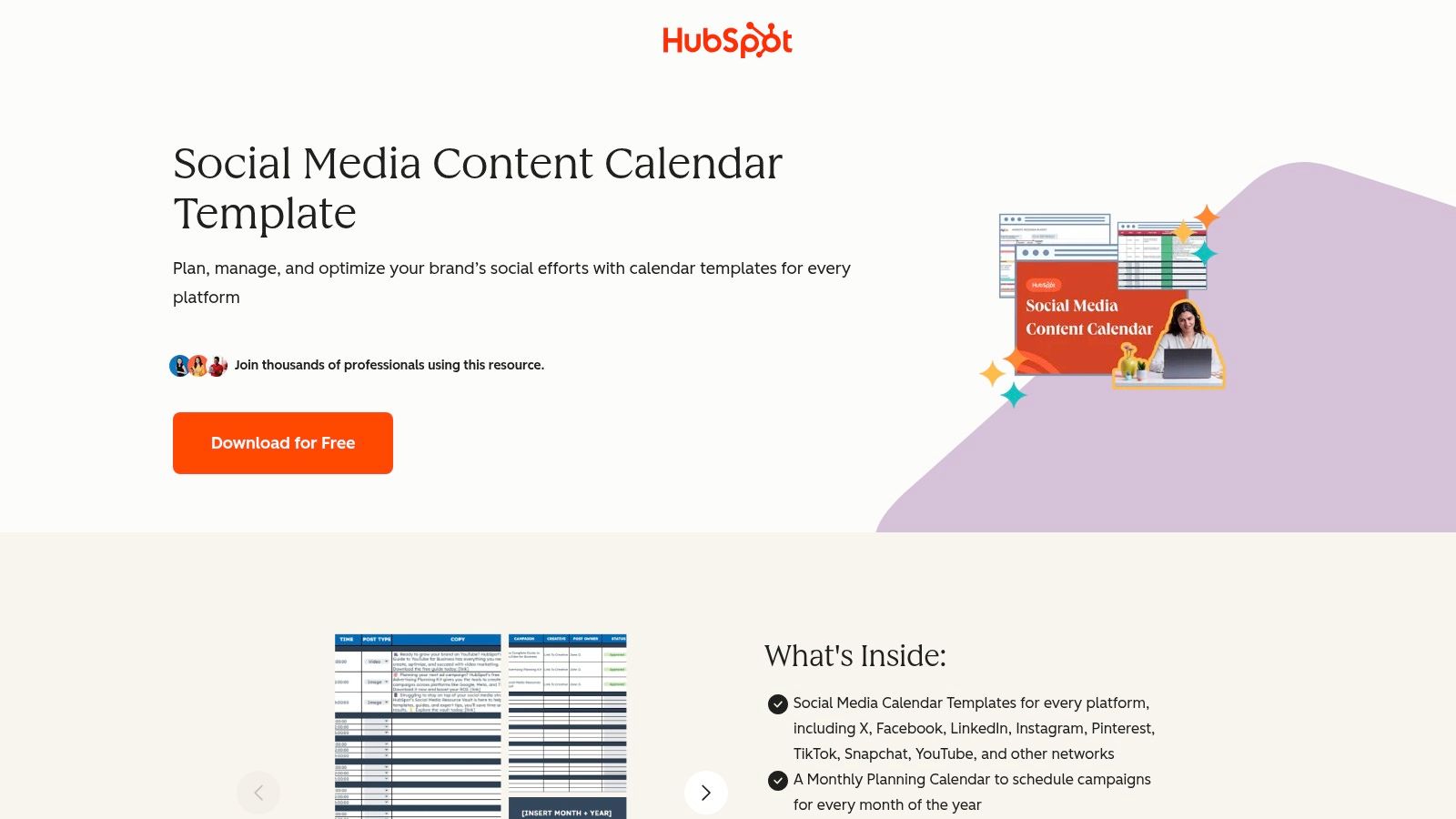
Best fit: small marketing teams coordinating campaigns across social platforms. HubSpot's free social media calendar combines platform-specific calendars, monthly campaign planning, and a repository for reusable content. Its fields cover post titles, content types, copy snippets, image links, and publication dates.
That combination is more useful than a date-only grid when a campaign draws on existing articles, videos, and brand assets. A marketer can connect the campaign theme to the material behind each post rather than repeatedly searching shared folders. The download does require contact information.
Customize the approval handoff
The content repository helps you find material, but finding an asset doesn't establish that it's approved for publication. For an agency using the workbook, client identity and approval evidence deserve explicit fields.
- Account destination: Record the actual profile, not just Instagram or LinkedIn.
- Approval evidence: Add an approver, approval date, and link to the final copy.
- Asset version: Distinguish the editable design file from the approved export.
Publishing limitation: the workbook doesn't send posts. Using HubSpot's publishing software is a separate workflow, so don't treat a filled publication date as confirmation that content has entered a publishing queue. Keep planned, approved, and scheduled states distinct.
2. Smartsheet Social Media Content Plan Template
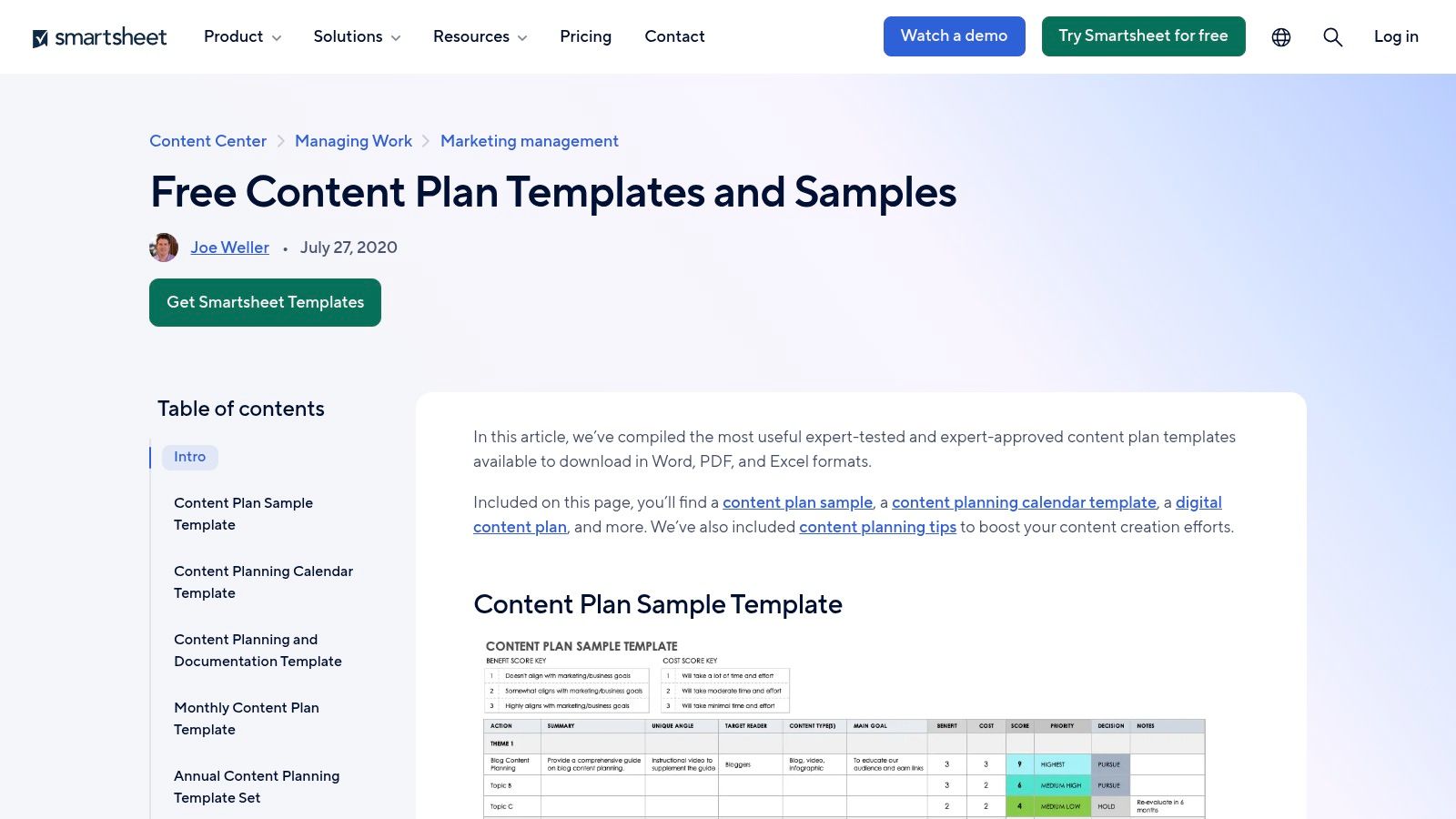
A marketing team asking why are we publishing this? needs more than caption storage. Smartsheet's social media content plan includes ideas, themes, categories, buyer-journey stages, authors, links, and performance metrics alongside monthly platform planning.
Best fit: teams connecting social output to marketing objectives. Compared with a lightweight creator tracker, this structure gives reviewers more context for approving or rejecting an idea. The trade-off is maintenance: a solo creator may spend more effort categorizing work than preparing it.
The performance fields are useful, but they don't automatically retrieve results. Specify which metric matters for each objective and when someone should record it.
Keep strategy fields actionable
- Audience stage: Retain it only if it changes the message or call to action.
- Reporting definition: Separate impressions, clicks, and engagement rather than combining them into an ambiguous results field.
- Review owner: Name who updates performance and decides what happens next.
A repeatable weekly content system can give those fields a practical review rhythm. Otherwise, the workbook risks becoming a detailed plan that nobody revisits.
Publishing limitation: Smartsheet's downloadable Excel template requires manual maintenance and doesn't publish posts. Its strongest contribution is connecting intent, execution, and recorded outcomes, not eliminating the handoff to social networks.
3. Vertex42 Content Calendar Template
Say a video team has a finished concept but still needs a script, recording session, edit, thumbnail, and approval. A publication date alone won't tell the producer whether that work is feasible. Vertex42 is a stronger fit when production sequencing matters as much as the final posting slot.
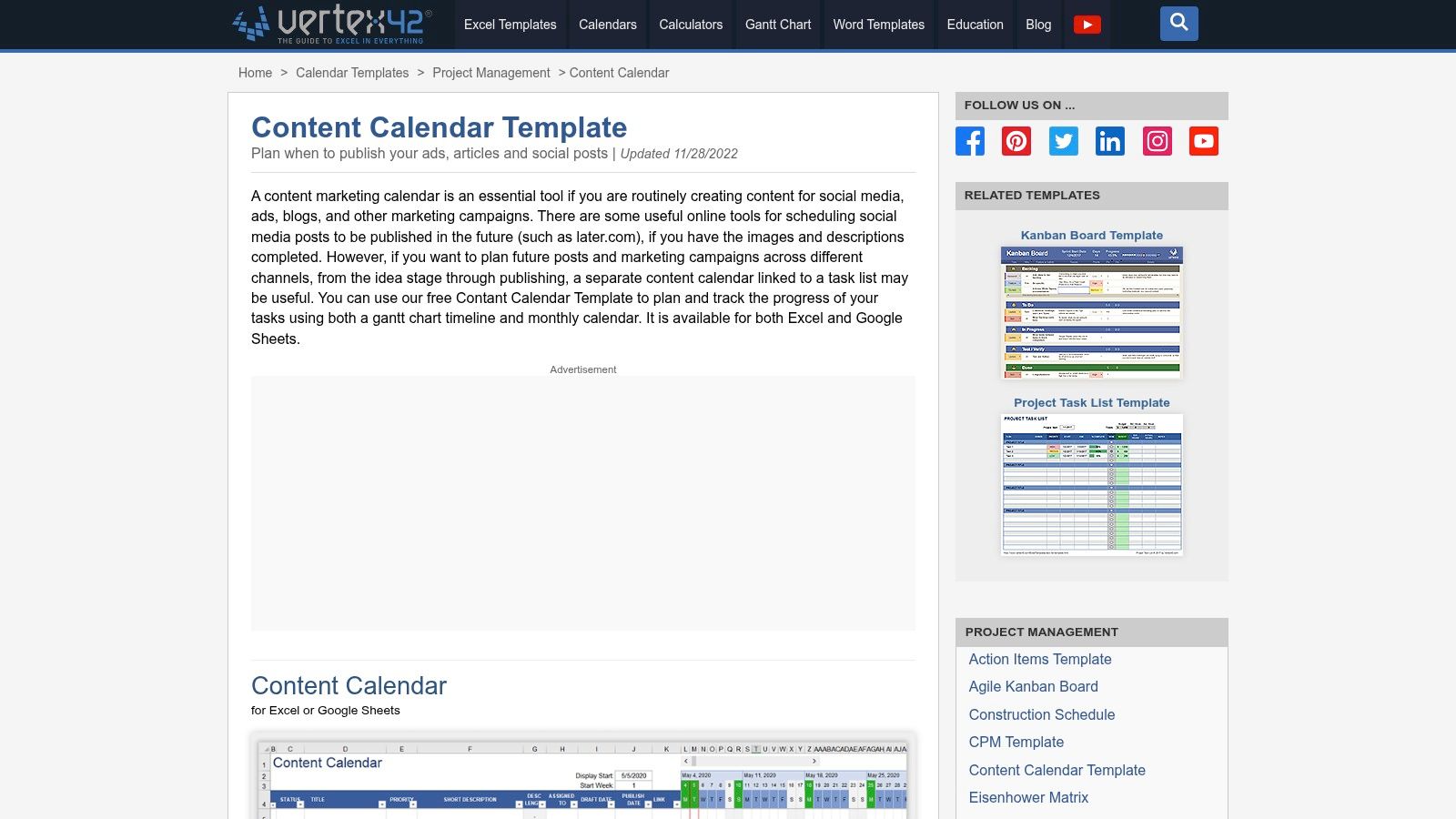
The Vertex42 content calendar provides a monthly calendar and Gantt-style timeline for tracking content and production progress. It supports social posts, articles, advertisements, and campaigns, with Excel and Google Sheets versions available.
Separate production from distribution
Use the timeline for work that must happen before release. Keep publication details attached to the corresponding content record so moving an edit deadline doesn't change an agreed launch date.
For video workflows, add script link, edit owner, thumbnail approval, final export, and publication destination. For agencies, add the client review deadline separately from the internal review deadline.
A production task can be complete while the post remains unapproved. Don't use a single status to represent both conditions.
When you plan a month of content, leave room to revise execution details without rebuilding the campaign plan. Vertex42's visual structure supports that distinction, but collaborators still need compatible access and clear editing responsibilities.
Publishing limitation: the timeline coordinates preparation; it doesn't transfer completed content into a social publishing queue.
4. Microsoft Excel Social Media Content Calendar
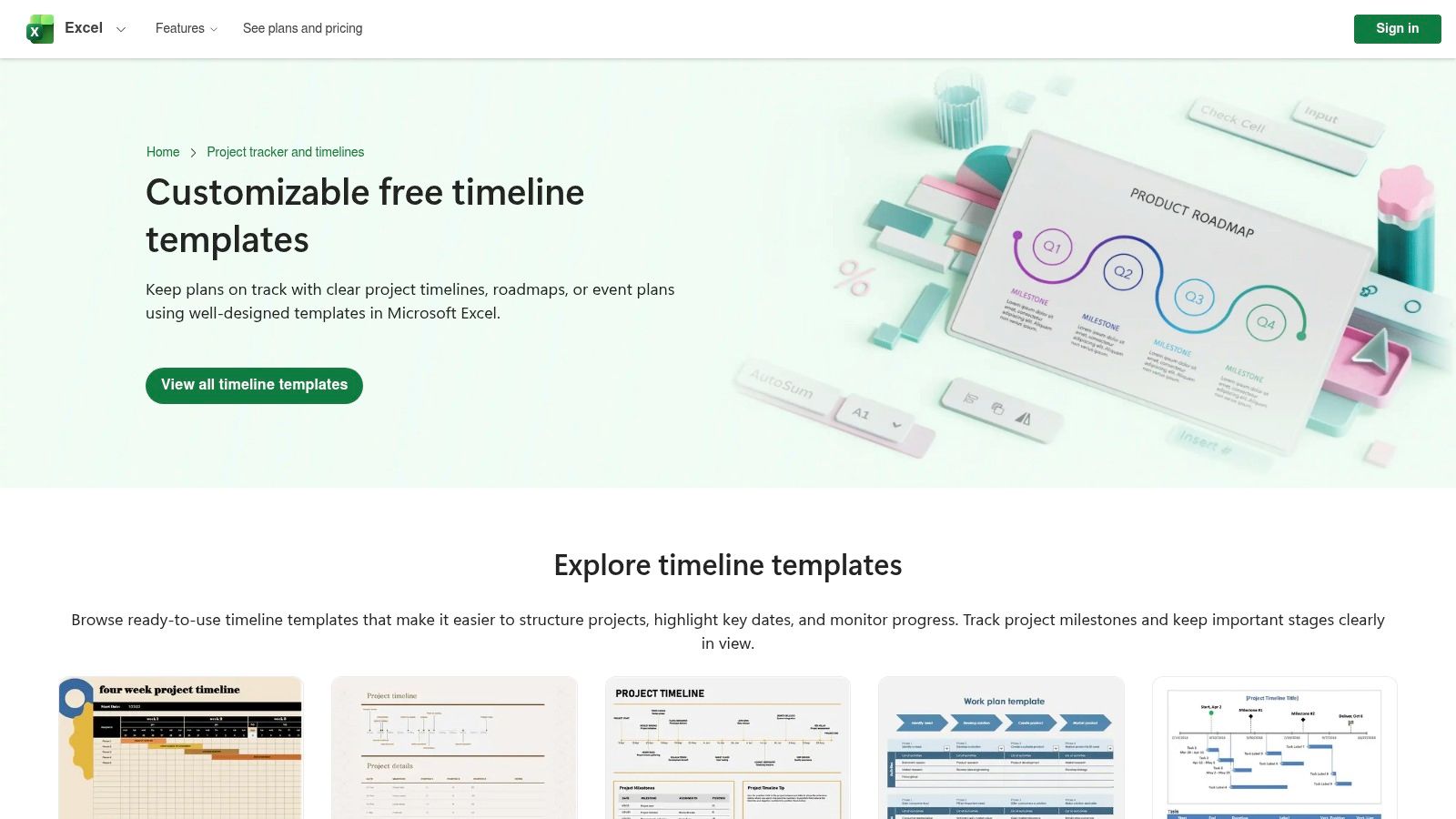
Best fit: solo creators and small businesses already working in Excel. Microsoft's template library includes social content, editorial, timeline, and general calendar layouts that users can customize, save, print, and share. Some features may require a Microsoft account sign-in.
The advantage is familiarity rather than specialized social functionality. You can adapt a workbook to an existing filing system instead of introducing another planning application. The disadvantage is selection: an attractive calendar layout may provide little room for captions, approval history, or asset references.
Choose a usable record structure
Prefer a layout that lets you filter content records rather than forcing detailed information into decorative date boxes. Keep the calendar as a viewing surface and the underlying records as the working source.
- Core inputs: Include destination account, copy, asset link, owner, and publishing time.
- Controlled entries: Use dropdowns for platform and status.
- Protected outputs: Lock formulas that summarize workload or publication volume.
Thomas Panko's spreadsheet literature review supports treating workbook design, documentation, and testing as reliability concerns. Add an instructions tab and an example record so collaborators don't have to infer what each column means.
Publishing limitation: Excel remains the planning environment. Saving or sharing the workbook doesn't schedule its contents, and a calendar entry isn't evidence that a post went live.
5. Hopper HQ Social Media Content Calendar Template
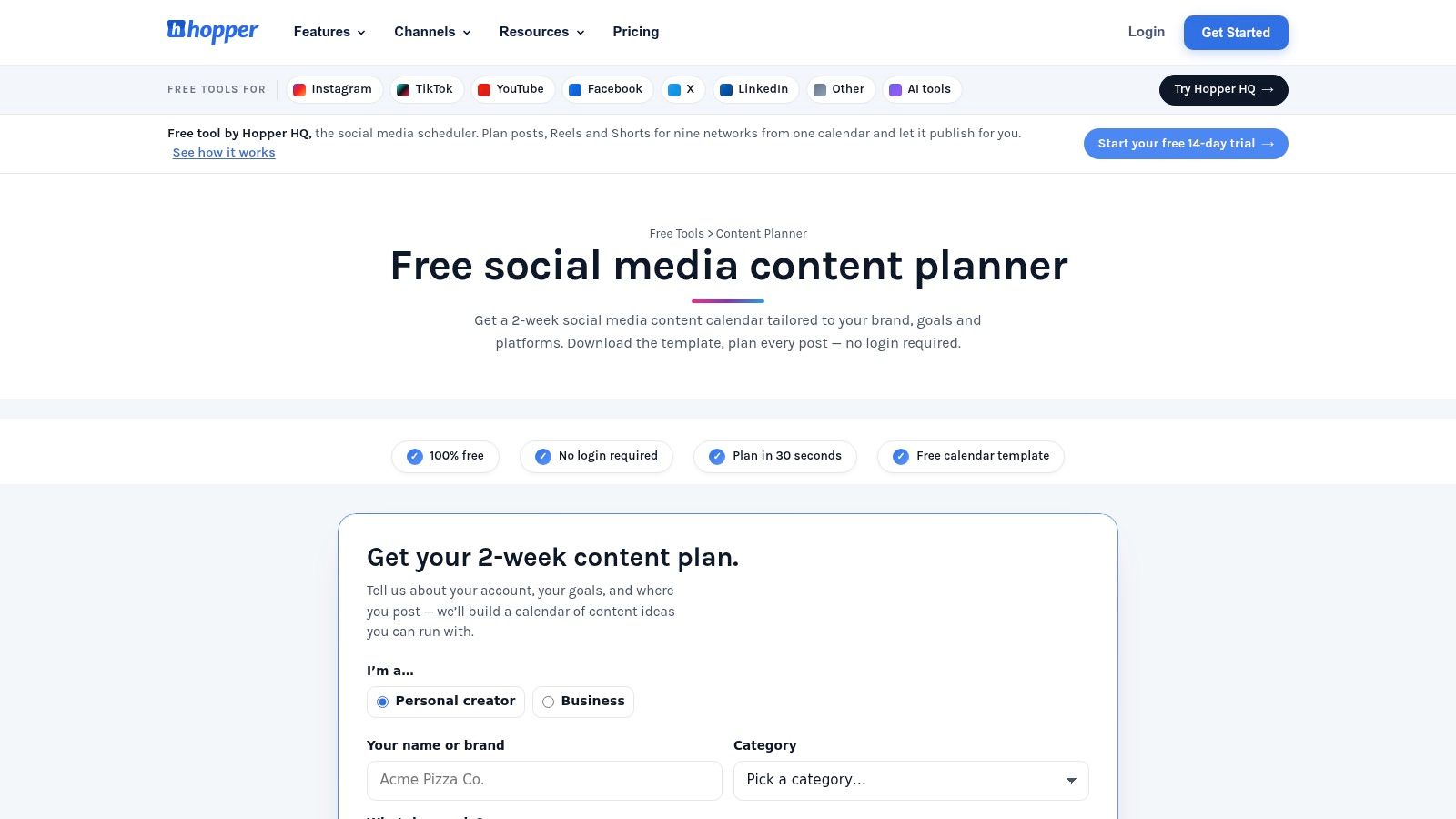
Hopper HQ stands out for the route it offers out of the spreadsheet. Its content planner and template include an Excel download, a Google Sheets option, and a no-login planning tool with spreadsheet export.
Best fit: creators who want help getting started and may later use Hopper HQ's scheduler. The workbook includes a month view, content-mix planning, caption-limit guidance, and a CSV-ready tab for Hopper HQ import. That last feature makes it more migration-oriented than a general editorial tracker.
The distinction matters: an import-ready file can reduce re-entry, but it doesn't establish that every post is valid, approved, or successfully queued.
Treat import as a verification step
Keep an export copy separate from your working calendar. Preserve the required import headers and avoid inserting internal review notes into fields intended for public captions.
- Before export: Confirm final copy, usable media links, and account destinations.
- After import: Check publishing times, media previews, and queue status.
- After publication: Record the live post URL rather than assuming import meant delivery.
Caption-limit guidance is helpful during drafting, but final validation still belongs in the destination workflow. Platform-specific formatting and media requirements need attention beyond the calendar.
Publishing limitation: the free spreadsheet doesn't publish. Import and automated delivery depend on the separate scheduler, so choose this template for its handoff potential rather than treating it as free publishing software.
6. Hootsuite Social Media Calendar Template
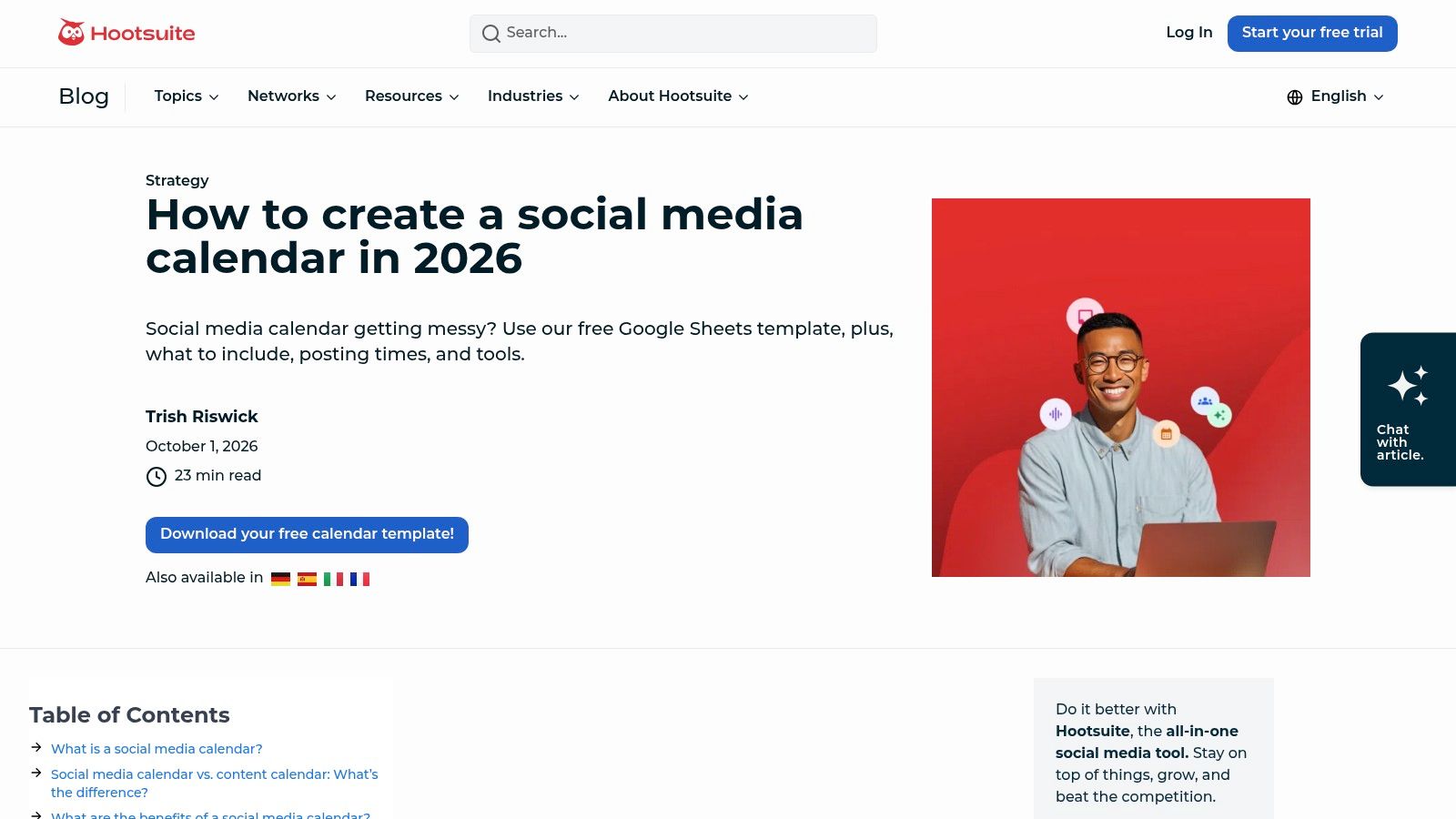
Best fit: social media managers who need practical post-level fields without a broader editorial system. The Hootsuite social media calendar template includes date, time, platform, caption, asset link, and status, supported by guidance on maintaining a calendar.
The important qualification for Excel users is format. Hootsuite presents the template in Google Sheets, so you'll need to download or convert it before using it as an Excel workbook. Check dropdowns, formatting, and shared-file behavior after conversion rather than assuming everything transferred unchanged.
Make status describe evidence
The existing post-level fields provide a useful base, but status needs a shared definition. An agency should distinguish internal approval from client approval and distinguish both from successful scheduling.
Gatilab's content-calendar guidance emphasizes ownership, approvals, overdue actions, and missing publication evidence. Apply that approach by adding a next-action owner and reviewer rather than relying on color alone.
Approval rule: Mark content ready only when the final caption and final asset have both been approved for the named destination account.
For distributed teams, add an explicit time zone beside the publishing time. For client work, include a client or brand field so filtering by platform doesn't mix unrelated accounts.
Publishing limitation: the spreadsheet doesn't automatically schedule posts. Hootsuite's calendar guidance and its publishing software serve different roles; using the template alone leaves the delivery step with the user.
7. Content Calendar HQ Excel Content Calendar Template
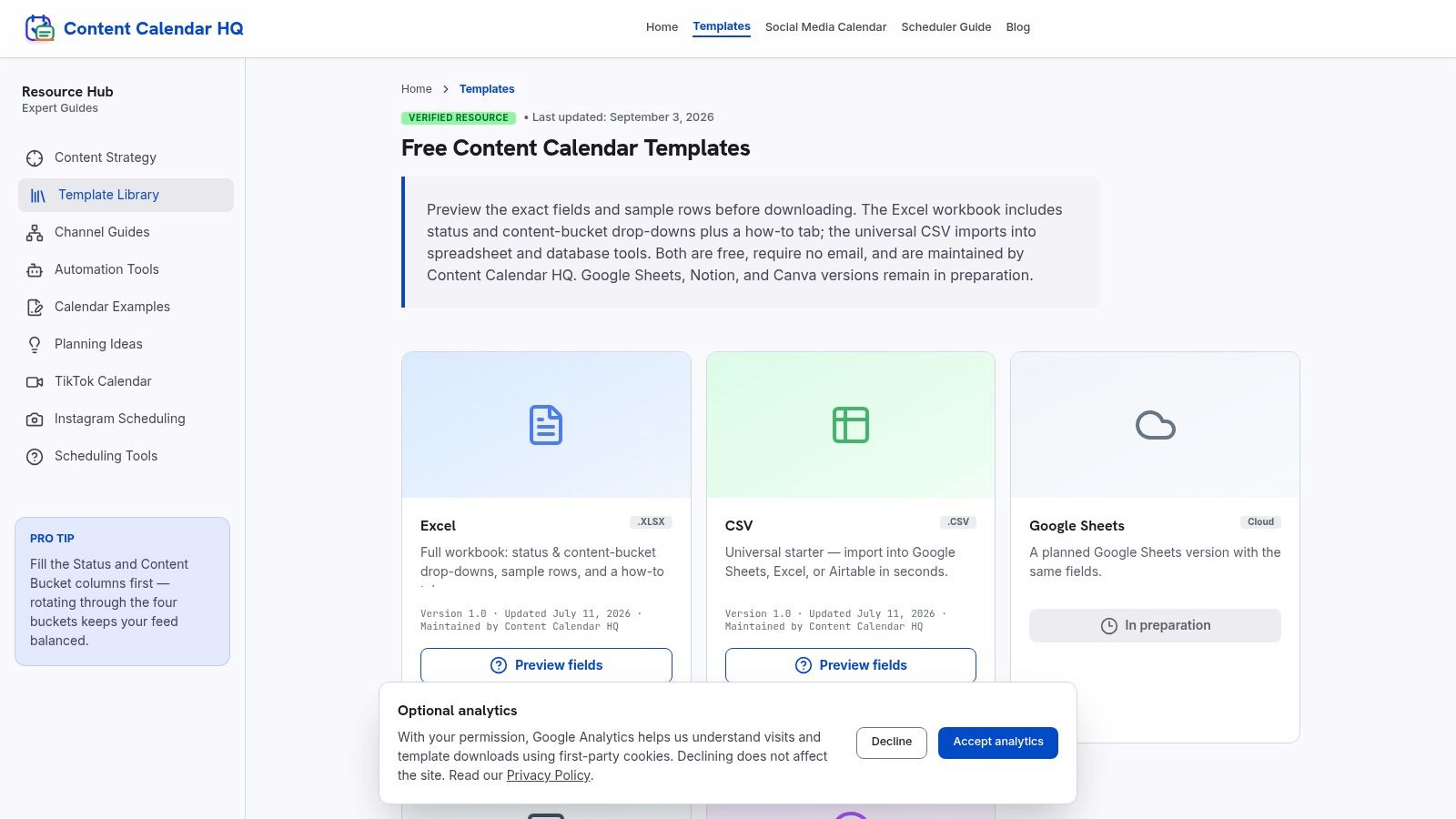
For a solo creator, downloading a workbook shouldn't become another onboarding project. Content Calendar HQ offers an editable XLSX file without a signup requirement, plus a CSV alternative. Status and content-bucket dropdowns, sample rows, and an instructional tab provide a straightforward starting structure.
Best fit: creators planning broader editorial work, not just social posts. The general-purpose approach is useful when articles, newsletters, and social ideas share a backlog. It also means the workbook may need more preparation before it can function as a social publishing handoff.
Add distribution details selectively
Start with platform, account, publication time, caption, and media link for items intended for social channels. Don't force an article draft or newsletter idea to carry irrelevant social fields.
For repurposed content, use a parent-content identifier to connect the original asset with its derivatives. A video excerpt and its source video should remain related without being mistaken for the same deliverable.
- Original asset: Link to the complete source material.
- Channel version: Store the adapted copy and media.
- Next decision: Identify whether the item needs drafting, review, scheduling, or refresh.
Publishing limitation: the workbook neither publishes nor provides analytics. Add a live URL and a results-review field if you want it to track completed work, but recognize that someone must maintain those records manually. Its strongest feature is low-friction planning, not operational automation.
8. FreeSheets Content Calendar Template
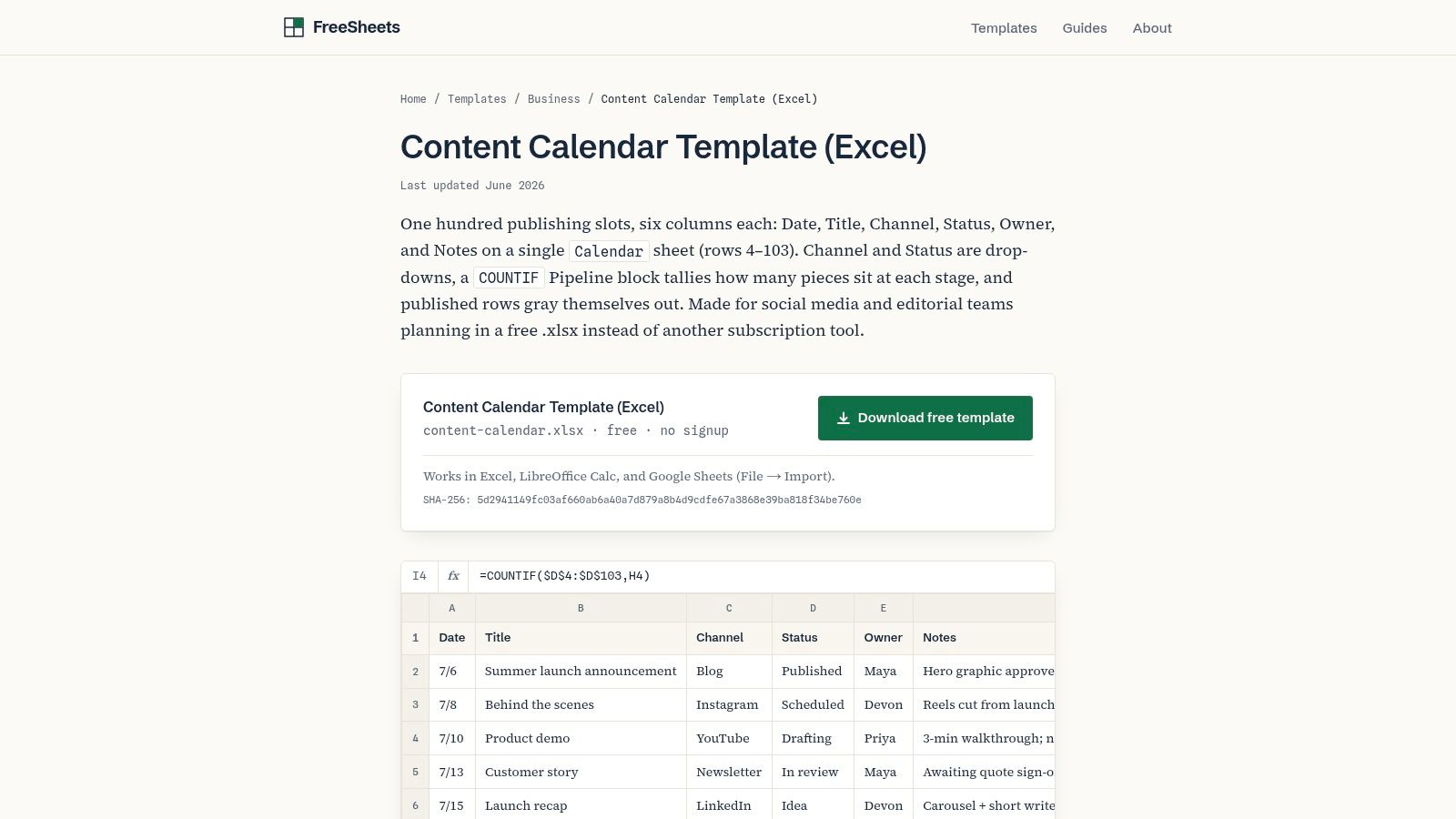
Not every content calendar needs to look like a calendar. The FreeSheets content calendar uses a compact tracker with date, title, channel, status, owner, and notes, supported by dropdowns, pipeline counts, and formatting for published entries.
Best fit: small teams that need visibility into work in progress. Compared with a visual monthly layout, the list makes ownership and status easier to scan. It doesn't provide a month-grid view, so it's less suitable when stakeholders primarily want to inspect campaign spacing.
Protect the simple structure
Add fields only when they support a specific decision. Captions and final media links can justify dedicated columns; lengthy briefs usually belong in linked documents.
Spreadsheet maintenance is a real consideration: Ventana Research found users spent approximately 12 hours per month consolidating, modifying, and correcting important collaborative spreadsheets. That finding isn't a prediction for this template, but it supports resisting unnecessary workbook complexity.
- Keep formulas intact: Protect pipeline summaries from accidental edits.
- Verify completion: Require a live URL before marking an item published.
- Expose blockers: Add a short next-action field instead of burying requests in notes.
Publishing limitation: a pipeline count reports the statuses users enter, not the state of social accounts. If someone forgets to update a record, the summary can look correct while no longer matching reality.
9. PostCopilot Social Media Content Calendar Excel Template
An agency can approve the correct post for the correct client and still publish it at the wrong local time. PostCopilot is the clearest fit here for distributed teams or accounts serving different time zones.
The PostCopilot social calendar spreadsheet includes account, local date, local time, and time-zone fields, alongside channel and status dropdowns, filters, and summary counts. It requires no account to download and doesn't use macros or connect to social profiles.
Define what local time means
Record whether the intended time belongs to the audience, the client, or the person scheduling. Use an explicit UTC offset for the intended publication date, and review entries affected by seasonal clock changes.
Account identification also deserves care. A platform name alone isn't sufficient when an agency manages unrelated profiles on that platform.
- Client identity: Separate the brand from the destination account.
- Approval trail: Record who approved the final material.
- Scheduling confirmation: Store evidence that the post entered the external queue.
If you're trying to reduce repetitive posting work, distinguish planning clarity from execution savings. Time-zone fields reduce ambiguity, but they don't perform the scheduling task.
Publishing limitation: users must schedule and verify posts elsewhere. The single-sheet structure is easy to filter initially, but client separation and review history may become harder to maintain as the workflow expands.
10. Lemonpost Content Calendar Template
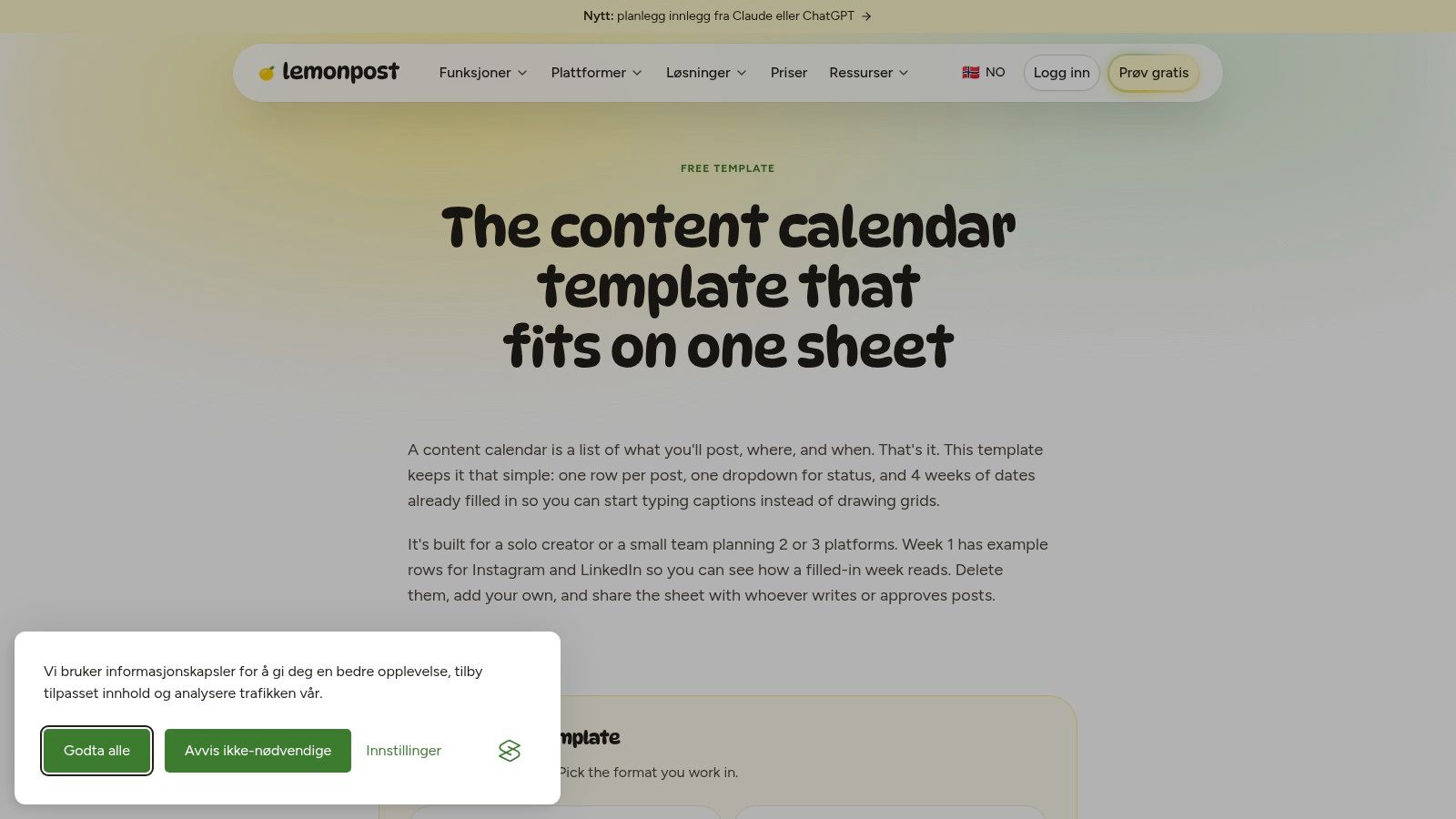
Best fit: solo creators preparing complete social posts before moving them into a publishing tool. Lemonpost's content calendar includes timing, platform, format, theme, caption, media link, first comment, status, owner, and notes.
Its Excel version provides dropdowns and formulas, while a CSV alternative supports simpler file exchange. The files work in Excel, Google Sheets, and Numbers, and downloading doesn't require an email address. Compared with a date-and-title list, the media and first-comment fields bring the record closer to a publish-ready package.
Extend it beyond publication
The missing layer is performance and lifecycle management. Add a live URL, review date, refresh owner, and decision field so useful content doesn't disappear into a completed backlog.
Allable's content-calendar guidance recommends tracking refresh decisions and relationships between core assets and channel-specific versions. For this workbook, that means linking a repurposed post to its source instead of treating every variation as unrelated work.
Keep the original asset and the channel adaptation connected. Reuse should preserve context, not just duplicate a caption.
Adjust the prefilled planning dates to your actual publishing horizon before entering commitments. If you add reviewers, keep approval separate from the existing production status.
Publishing limitation: Lemonpost doesn't automatically publish or provide performance reporting. It prepares more of the post package than a basic tracker, but delivery and measurement still happen elsewhere.
How the 10 free content calendar Excel templates compare on format, publishing, and fit
| Item | Best for | Excel format | Built-in publishing | Main limitation |
|---|---|---|---|---|
| HubSpot, Social Media Content Calendar Template | Multi-platform planning and reusable content | Excel template pack | No; HubSpot scheduler is separate | Download requires contact information |
| Smartsheet, Social Media Content Plan Template | Planning with basic performance tracking | Excel template | No; posts require manual publishing | Many fields may be excessive for simple schedules |
| Vertex42, Content Calendar Template | Visualizing production tasks and schedules | Excel workbook; also available in Google Sheets | No; planning only | Template may need a layout check before use |
| Microsoft Excel, Social Media Content Calendar | Excel users wanting a customizable starting point | Editable Excel templates | No; planning only | May need extra fields for approvals, assets, or analytics |
| Hopper HQ, Social Media Content Calendar Template | Getting started with a plan and spreadsheet export | Excel download; Google Sheets option | No; scheduler is separate | Some import and publishing features require Hopper HQ's scheduler |
| Hootsuite, Social Media Calendar Template | Planning social posts with practical post-level fields | Google Sheets template; can be converted for Excel | No; does not automatically schedule posts | Requires import or conversion for Excel |
| Content Calendar HQ, Excel Content Calendar Template | Simple editorial planning with standardized entries | Editable XLSX; CSV alternative | No; planning only | May need fields for platform, time, caption, and media links |
| FreeSheets, Content Calendar Template | Tracking content status and workload | Excel workbook; can be imported into Google Sheets | No publishing feature specified | No visual month calendar |
| PostCopilot, Social Media Content Calendar Excel Template | Planning posts across time zones | Excel workbook | No; publish and verify posts elsewhere | One-sheet layout may be hard to manage as work grows |
| Lemonpost, Content Calendar Template | Post preparation with copy, media, and platform details | Excel workbook; CSV version; works in Sheets and Numbers | No; does not automatically publish posts | Four-week prefilled period may need adjustment |
Choosing a Template Now, and Knowing When to Outgrow It
Choose the template that matches your biggest bottleneck, not the one with the longest feature list. Lemonpost or Content Calendar HQ suits a quick solo start; Smartsheet or Vertex42 makes more sense for production-heavy teams. PostCopilot deserves particular attention when destination accounts and time zones complicate the handoff.
For agencies, the deciding question is whether a colleague can safely publish from the record without asking for clarification. Client identity, approved copy, final media, account destination, and approval evidence matter more than decorative campaign views. A workbook that lacks those fields can still be adapted, but the customization becomes part of your operating process.
Test the handoff before expanding the workbook
Run a short pilot using real content, including an asset revision, an approval delay, and a rescheduled post. Watch where people leave the workbook to ask questions or find files.
- Missing information: Add a field when its absence blocks a real task.
- Unclear responsibility: Give the next action a named owner.
- Misleading completion: Require publication evidence before closing the record.
- Unused complexity: Remove fields that don't influence preparation, approval, delivery, or review.
Keep ownership clear as you build a scalable content pipeline. More rows don't create a repeatable process; consistent handoffs and explicit decisions do.
Recognize the limit that customization won't remove
A spreadsheet remains useful when people need a shared planning structure and can manage delivery separately. It becomes less suitable when the recurring problem is copying approved content into publishing tools, reconciling queue statuses, or collecting results from separate accounts. Adding another status column doesn't connect the workbook to those accounts.
That's the point at which planning and publishing belong in a connected workflow. Our Social Media Scheduler plans and publishes from a unified calendar across eight networks, combining channel-specific preparation, automated delivery, and analytics rather than leaving users to maintain a separate copy-and-paste process.
You don't need to abandon a useful workbook because your audience grows. Move when the manual handoff becomes the bottleneck, and preserve the useful structure you've already established: clear owners, approved assets, meaningful statuses, and review decisions.
The best content calendar Excel template is therefore not a permanent answer to every content operation. It's a manageable planning tool whose limits you understand before depending on it.
Our calendar brings drafting, channel-specific tailoring, scheduled publishing, and performance measurement into a connected workflow. If your spreadsheet is organized but posts still need to be sent manually, visit Social Media Scheduler to move from maintaining publication dates to managing the posts themselves.